Admin Account Details
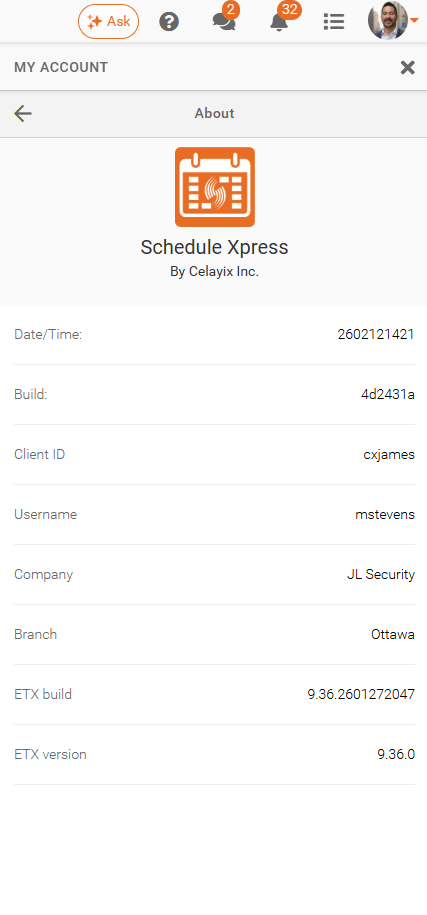
The About section provides key software and account details to help administrators manage and verify their Schedule Xpress environment.
The About section in Schedule Xpress gives administrators centralized access to key account details such as software build, client ID, username, company, and branch, enabling efficient management and quick verification of organizational information.
Details About Your Account
The About section is located under My Account > About. It provides access to essential software version details, system information, and general platform specifications for your Celayix account.
- Date/Time – The timestamp representing when the software build or version was created or last updated.
- Build – The specific software build identifier, useful for tracking the exact version of Schedule Xpress in use.
- Client ID – The unique identifier assigned to your organization or account within Schedule Xpress.
- Username – The current logged-in user’s identifier or login name.
- Company – The name of the organization associated with the account.
- Branch – The specific office or location of the company currently accessing the system.
- ETX build – The build number for the ETX platform component used by Schedule Xpress, indicating its specific software iteration.
- ETX version – The version number of the ETX platform component, showing the release level currently running.