Search for Customers and Sites
Search for customers and sites quickly using filters, keywords, or advanced search options in Manage Sites
The Manage Sites module includes search and filtering tools that help administrators quickly locate customers and sites. These tools are especially useful when managing large numbers of customer and site records.
Search for Customers
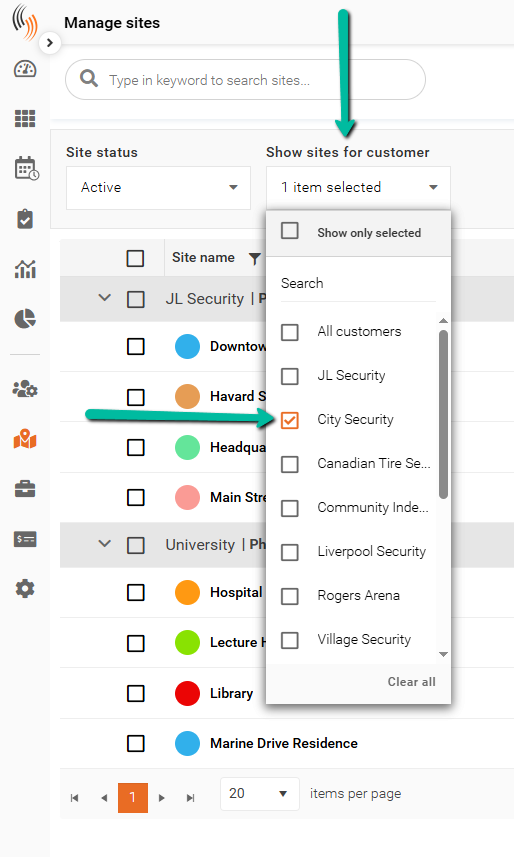
To search for a specific customer, use the Show Sites for Customer filter located above the site list.
- Click the Show Sites for Customer dropdown.
- Select one or more customers.
- The site list will automatically update to display only sites associated with the selected customers.
This allows you to quickly narrow down the list and focus on the customer records you need.
Search for Sites
All customers and sites are displayed within Manage Sites, where you can view and manage customer and site records.
To search for a specific customer or site:
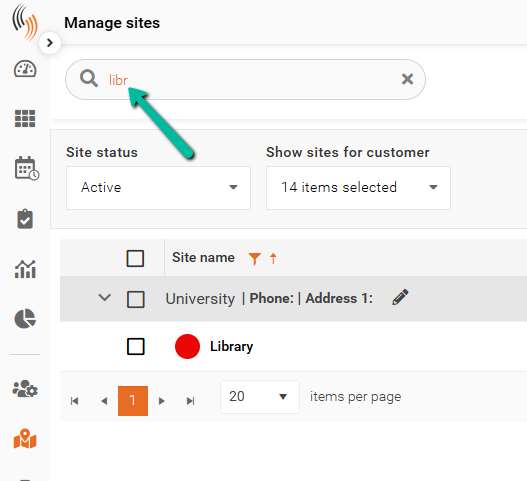
- Locate the Search bar above the customer and site list.
- Enter the customer name or site name.
- Matching results will automatically be displayed.
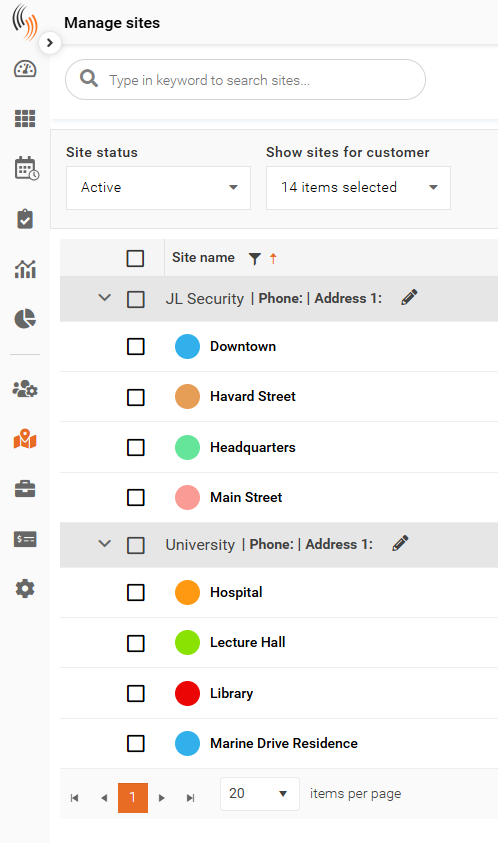
Using the Search bar helps administrators quickly locate specific records without manually scrolling through the full list.