Manage Access to Analytics
Use Feature Access Groups to control manager access to Analytics. You can define whether a manager can access the module and specify which data types they are allowed to view.
Manager Access to Analytics
You can control manager access to Analytics using Feature Access Groups. Full administrators have access to Analytics by default.
Navigate to:
Settings → Security → Feature Access Groups → Other Modules
Within the Other Modules section, you can manage the following settings.
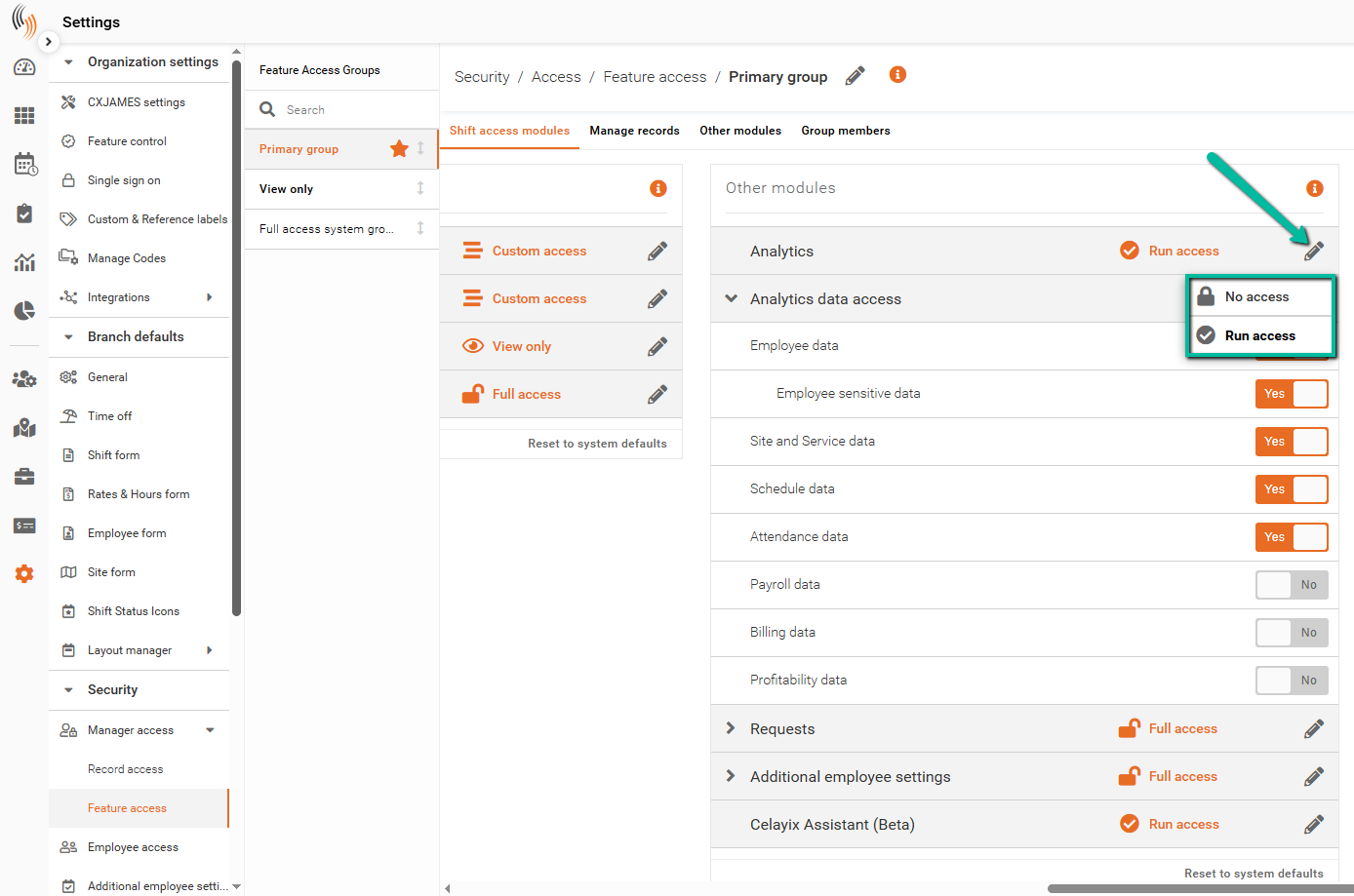
Analytics Access
The Analytics setting controls overall access to the Analytics module.
- Run Access – Allows the manager to access the Analytics module.
- No Access – Restricts the manager from accessing the Analytics module.
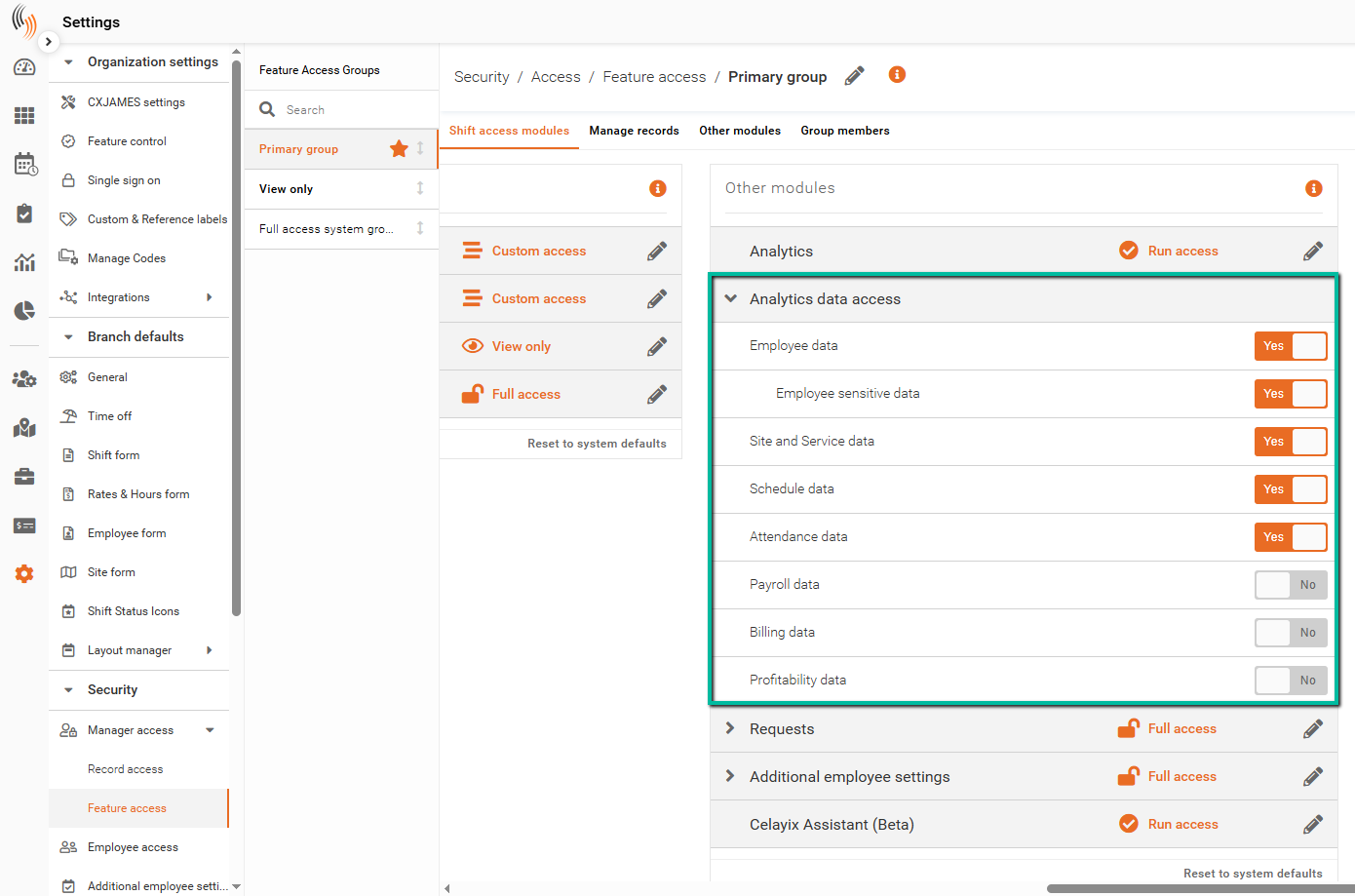
Analytics Data Access
The Analytics Data Access settings determine which data managers can view within the Analytics module.
You can enable or disable access to the following data types:
- Employee Data
- Employee Sensitive Data
- Site and Service Data
- Schedule Data
- Attendance Data
- Payroll Data
- Billing Data
- Profitability Data
The dashboards available to the manager reflect the data access permissions configured within their Feature Access Group.