Clone Sites
Save time and streamline your workflow by replicating existing sites efficiently.
Schedule Xpress allows admins to quickly duplicate existing site configurations using the site cloning feature. This helps maintain consistency across similar locations while reducing the time required to set up new sites.
Clone a Site
Sites can be cloned from either the site profile or the Manage Sites homepage.
From the Site Profile
- Open the site you want to clone.
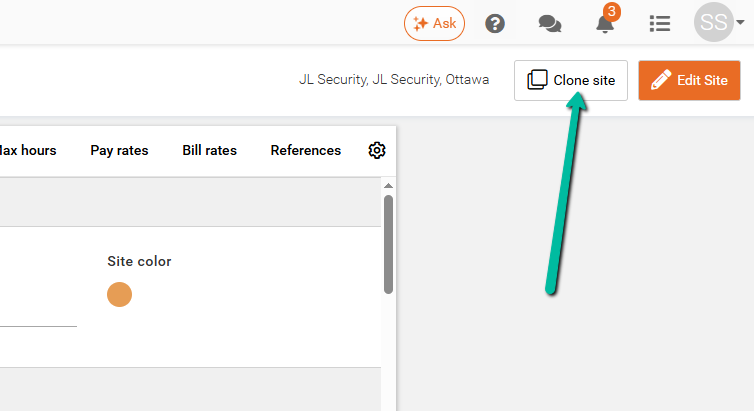
- Click Clone Site in the top-right corner.
From the Manage Sites Homepage
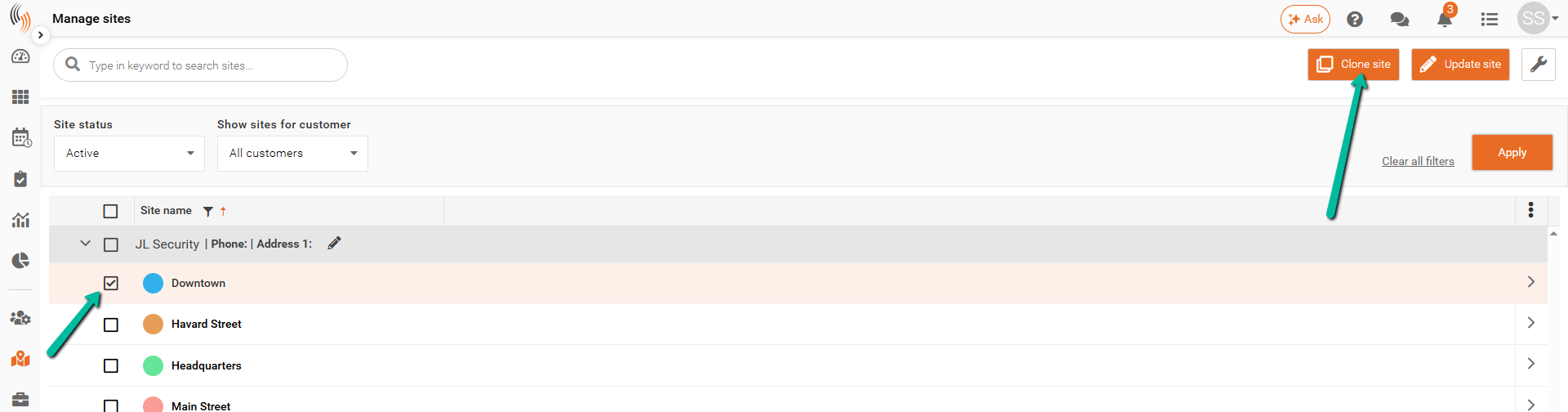
- Locate the site you want to clone.
- Select the site from the list.
- Click Clone Site in the top-right corner.
Complete the Clone
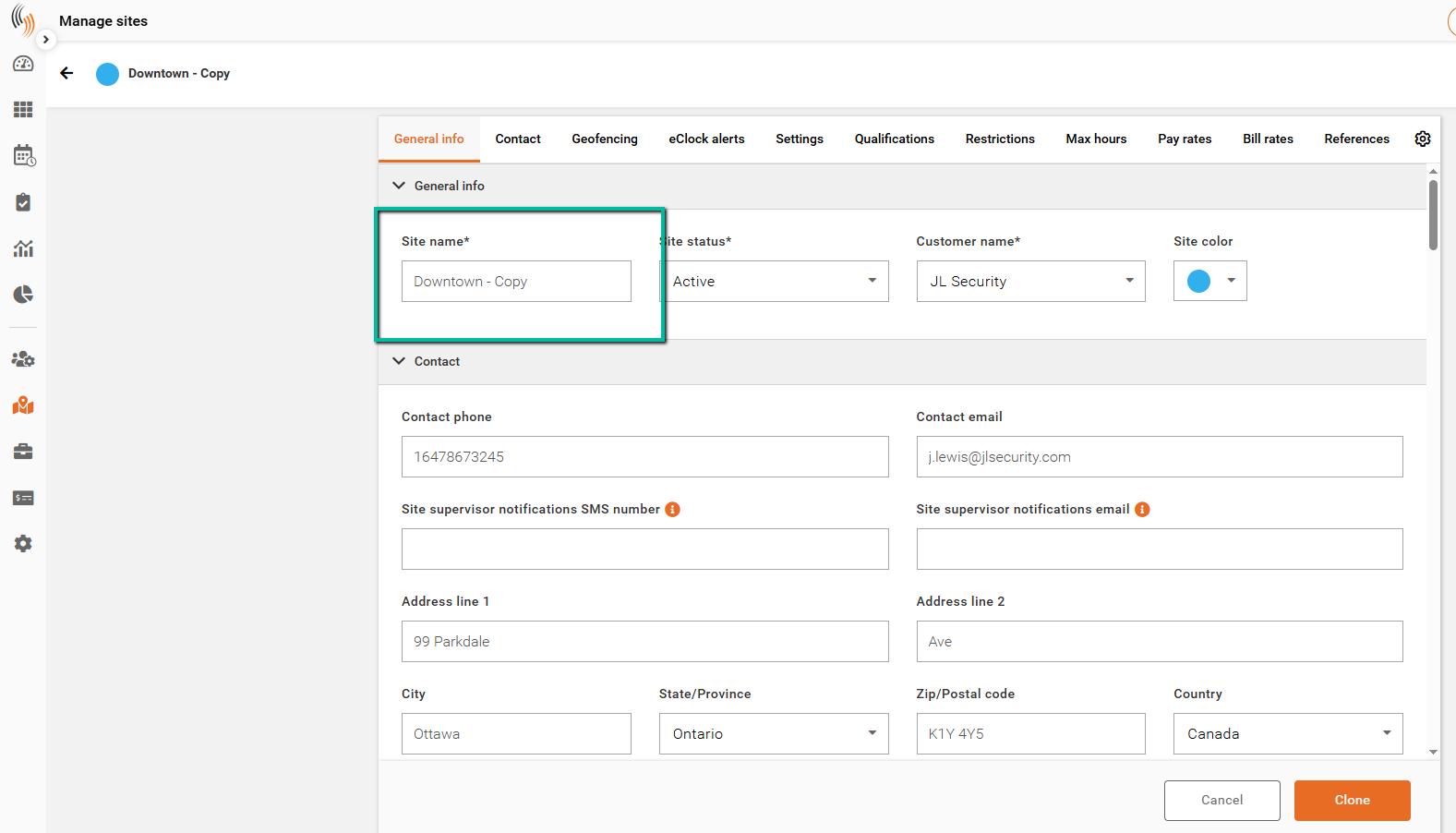
After selecting Clone Site, a new site will be created with "- Copy" appended to the original site name.
Review and update any information as needed, including the site name and other site details.
When finished, click Clone in the bottom-right corner to create the new site.