Update Schedule Xpress Password
Keep your Schedule Xpress account secure by updating your password regularly.
Admins can update their passwords at any time within Schedule Xpress. Regular password changes are an important security practice that helps protect your account and safeguard sensitive information.
Update Your Password
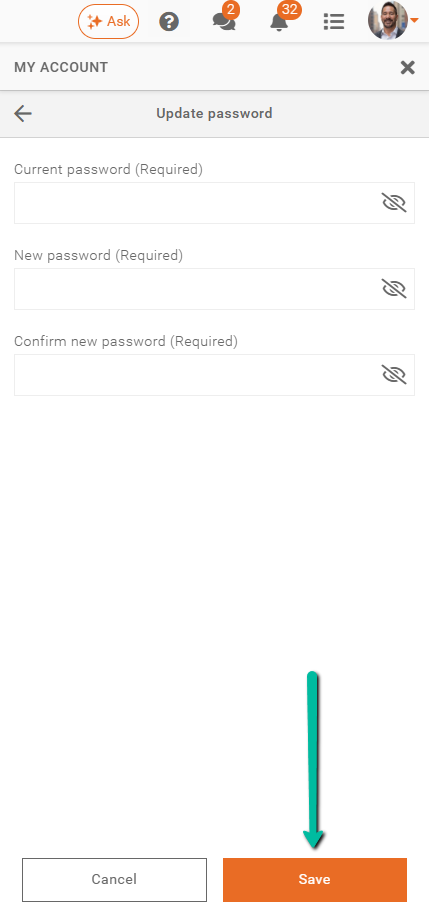
To update your password, navigate to My Account > Update password. Enter your current password, then type your new password and confirm it by entering it a second time. Then, click Save to complete the change.
Important: If your employee account is linked to your admin account, updating your password here will automatically synchronize it across Team Xpress as well.