Use Barcode Scanning with Celayix Kiosk
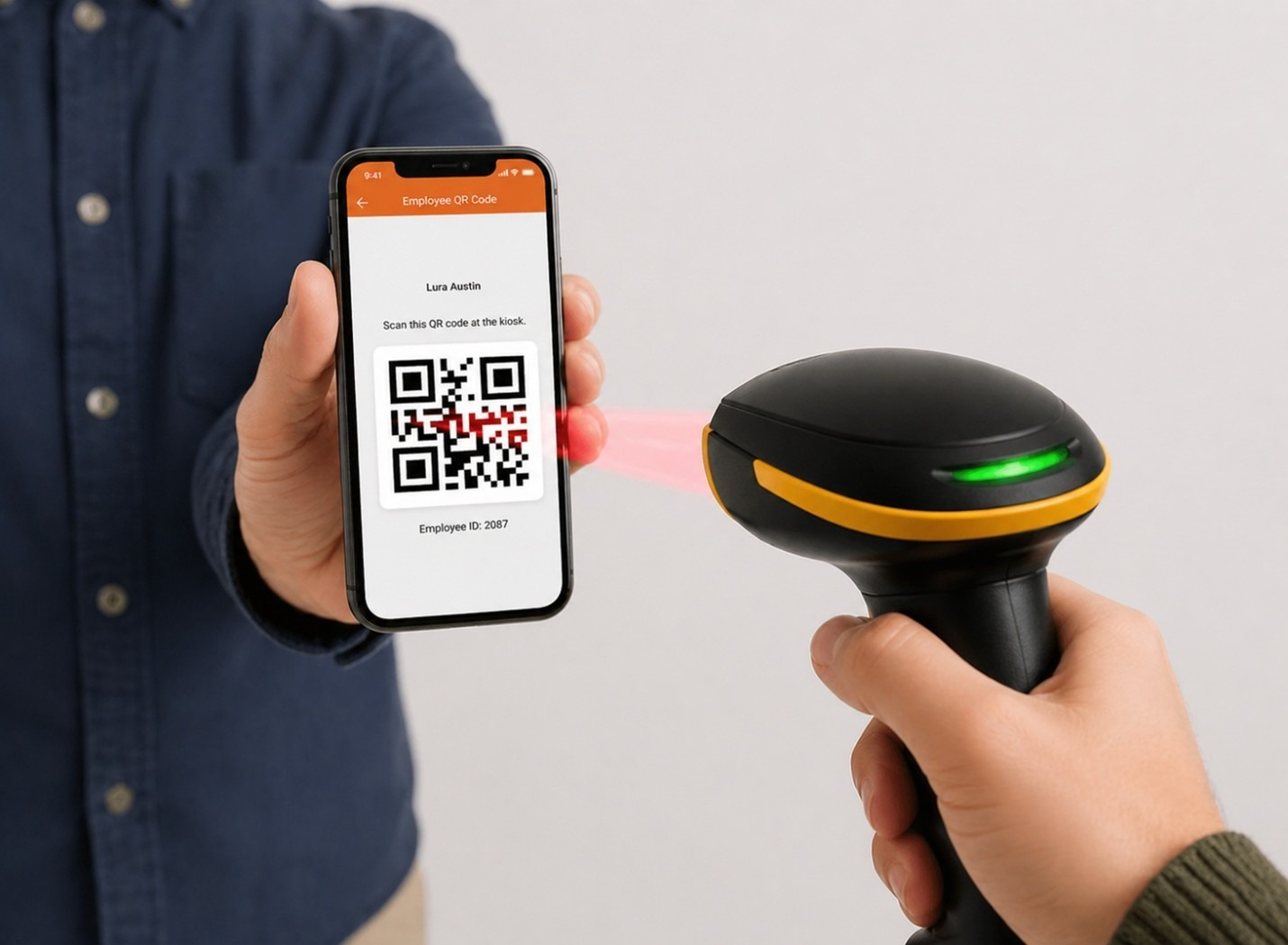
Celayix Kiosk supports barcode and QR code scanning, allowing employees to quickly record clock actions without manually entering their Employee ID (PIN).
QR Codes in Team Xpress
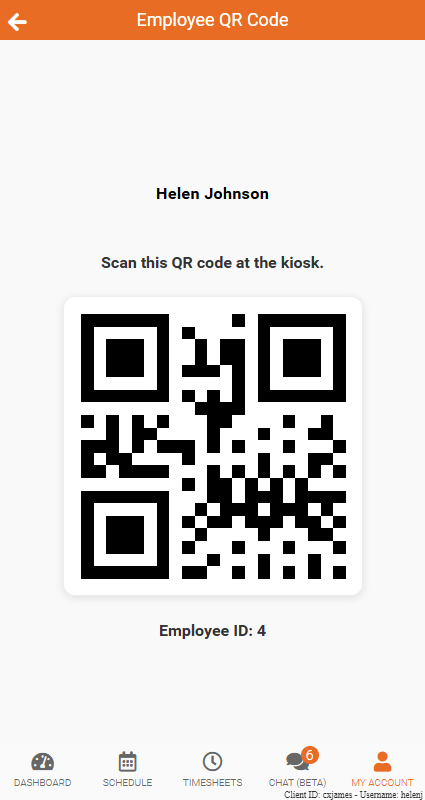
Employees can access their personal QR code within Team Xpress, which can be scanned at the kiosk to perform clock actions such as Check In, Check Out, Start Break, or End Break.
To access a QR code in Team Xpress:
- Navigate to My Account
- Select Profile
- Click View QR Code
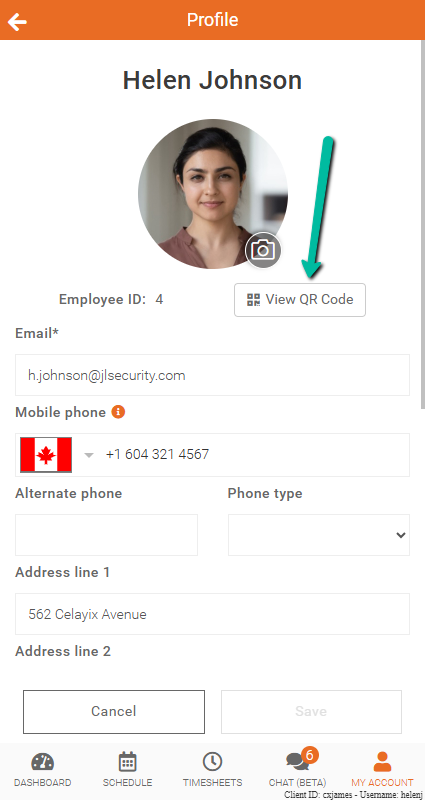
The employee’s QR code will then be displayed for scanning at the kiosk.
Barcode Support
Celayix Kiosk uses the employee ID encoded within the barcode or QR code to record clock actions. Most barcode scanners support a variety of barcode formats, including QR codes and Code 128.
Existing employee ID cards with printed barcodes may also work with the kiosk if:
- The barcode contains only the Schedule Xpress Employee ID
- The barcode format is supported by the scanner being used
Note: Barcode format support depends on the barcode scanner manufacturer, not Celayix. If you have questions about scanner compatibility or configuring barcode scanning, please contact your Implementation Specialist or reach out to Celayix Support.