Enable Employee Availability
Allow employees to submit their availability through Team Xpress.
Enable Employee Availability to allow employees to submit their availability through the Team Xpress app.
Enable Availability Access
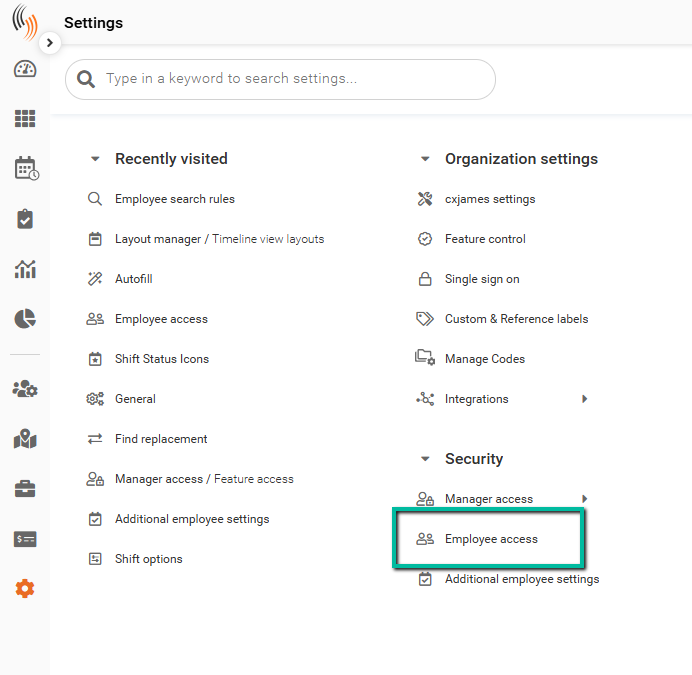
To enable this feature, go to:
Settings → Security → Employee Access
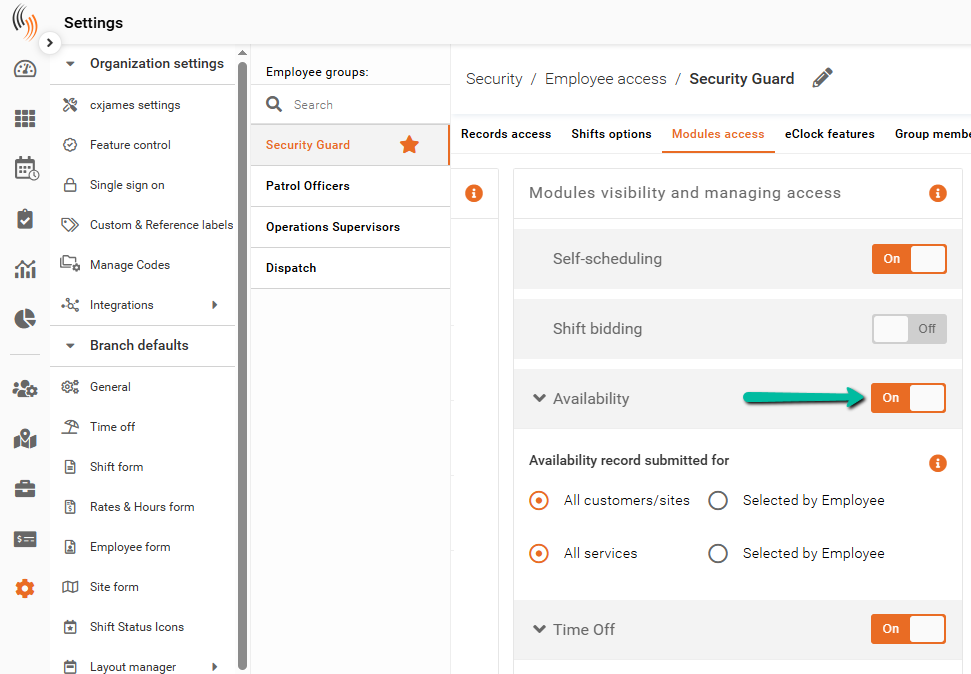
In the Modules Access section of the relevant Employee Access Group, enable Availability.
This allows employees to submit their Availability.
Configure Availability Options
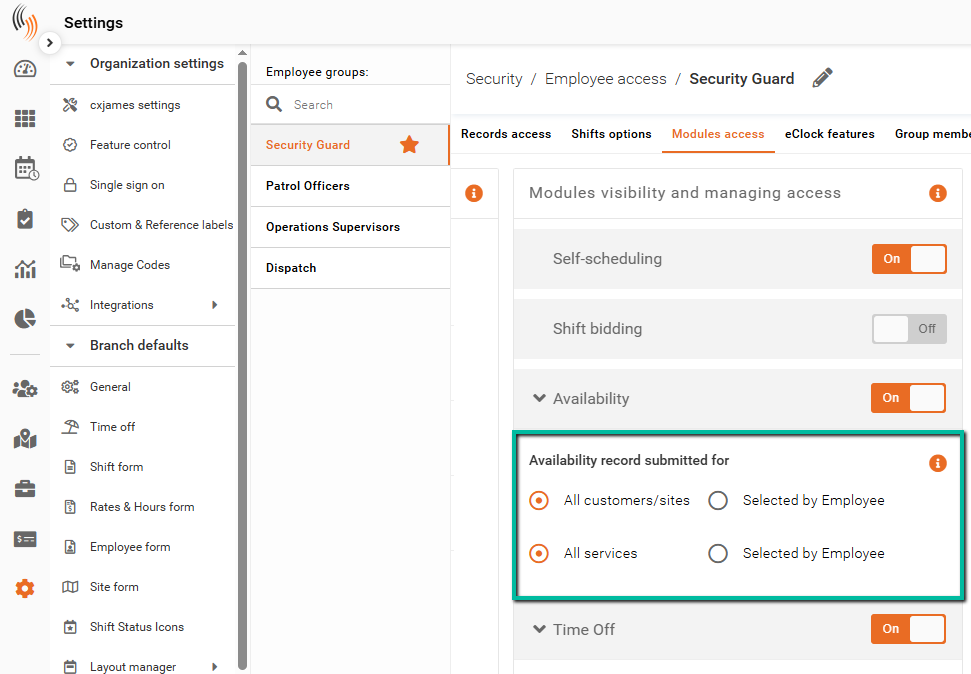
You can control how employees submit Availability by defining the scope of their selections:
- All Customers/Sites and Services
Employees submit availability that applies across all customers/sites and all services. - Selected by Employee
Employees choose specific customers/sites and services when submitting their Availability.
These settings determine how Availability is applied in Team Xpress and how flexible employees are when submitting their schedules.