Time Off Request Notifications
Time off request notifications keep the right people informed throughout the approval process. Configure these settings to control who gets notified, when alerts are sent, and how messages are delivered
Configure time off request notifications to control who is notified, when alerts are sent, and how messages are delivered. These settings ensure employees and admins stay informed throughout the request and approval process.
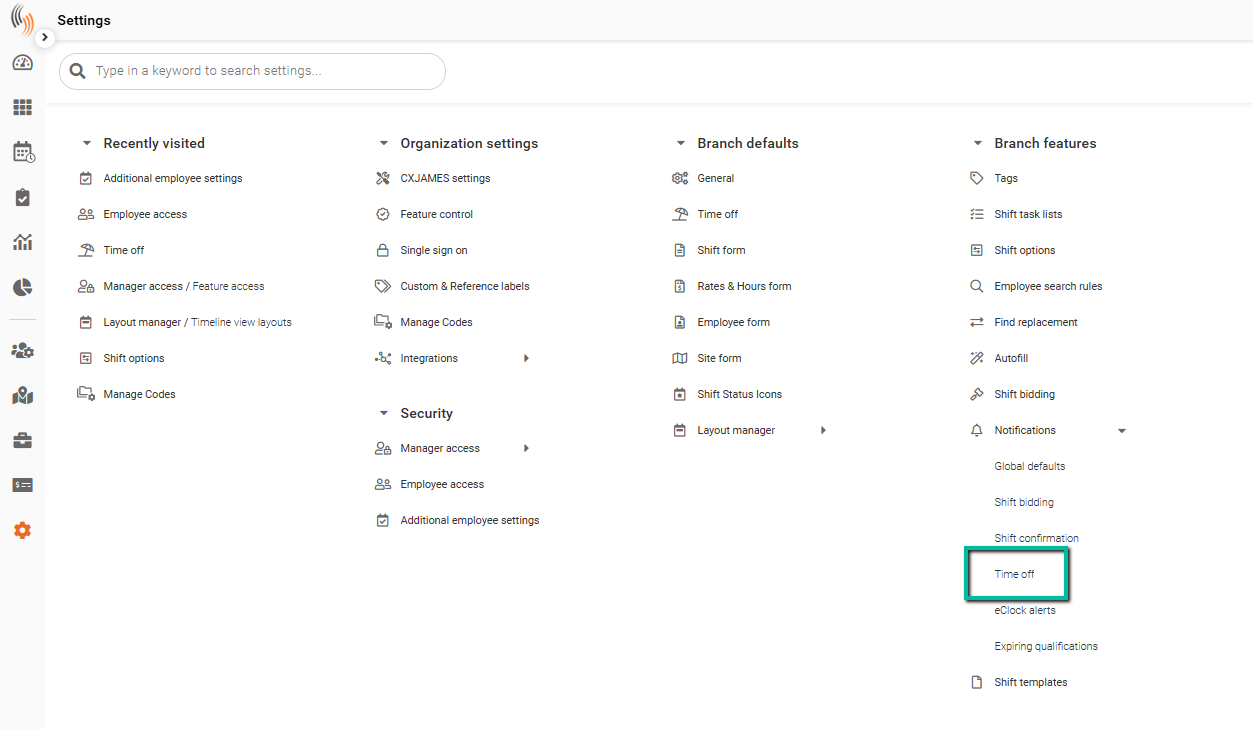
Access Time Off Notification Settings
To configure time off notification settings, you have two options:
- Go to Settings → Branch Features → Notifications → Time Off, or
- Go to Settings → Branch Defaults → Time Off, then click Go to Time off notifications settings
Configure Notification Settings
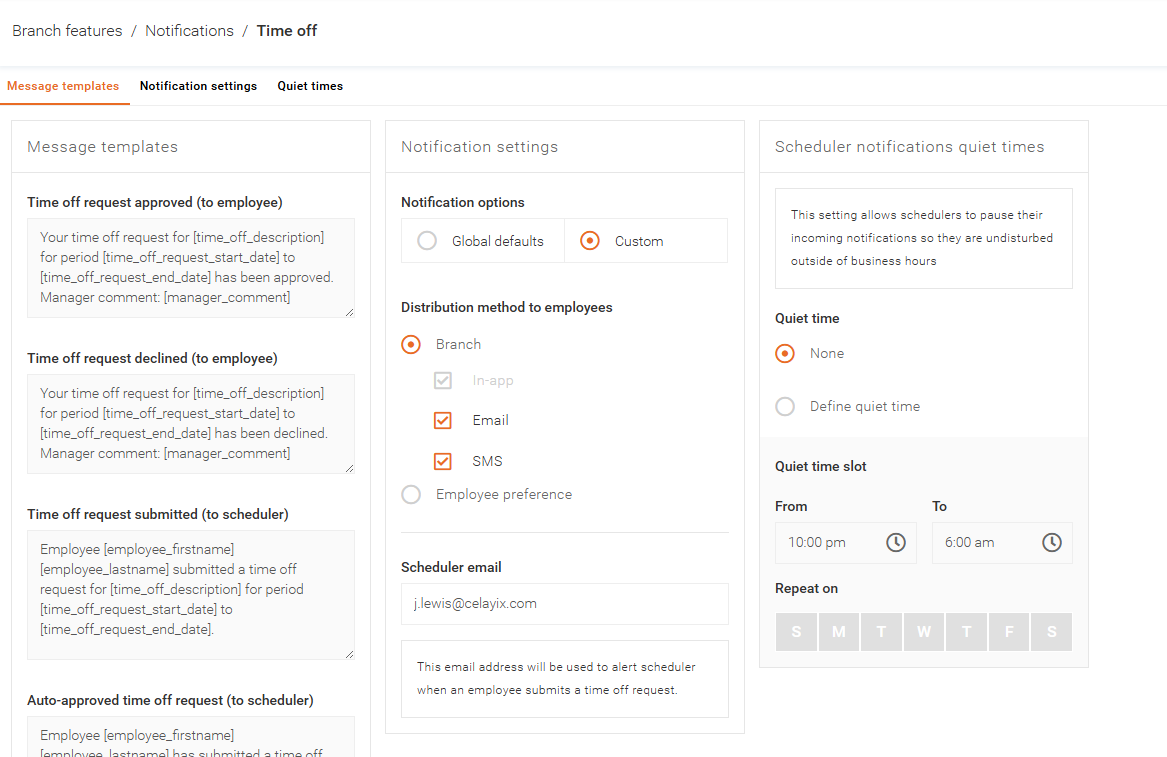
The Time Off Notifications Settings allow you to:
- Customize notification messages
Edit messages sent to employees and admins. - Control delivery methods
Choose how notifications are sent (in-app, email, SMS). - Manage notification timing
Ensure users are notified when requests are submitted, approved, declined, or canceled.
Send Notifications to Employees
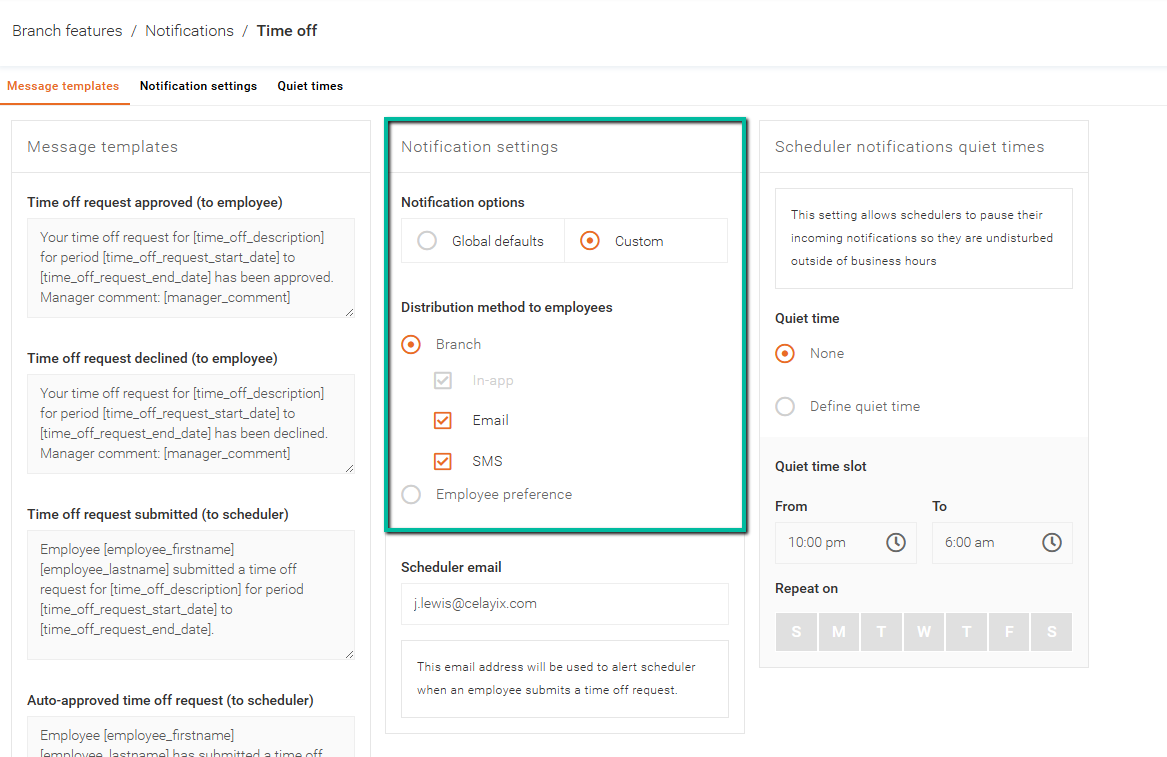
You can send time off notifications to employees through:
- SMS
- Employee preference
Note: SMS is only available if you have subscribed to a Celayix SMS package.
Configure Admin Notifications
To notify admins of time off requests, enter their email addresses in the Scheduler email field.
- Separate multiple email addresses with a semicolon (;)
- Do not include spaces between addresses
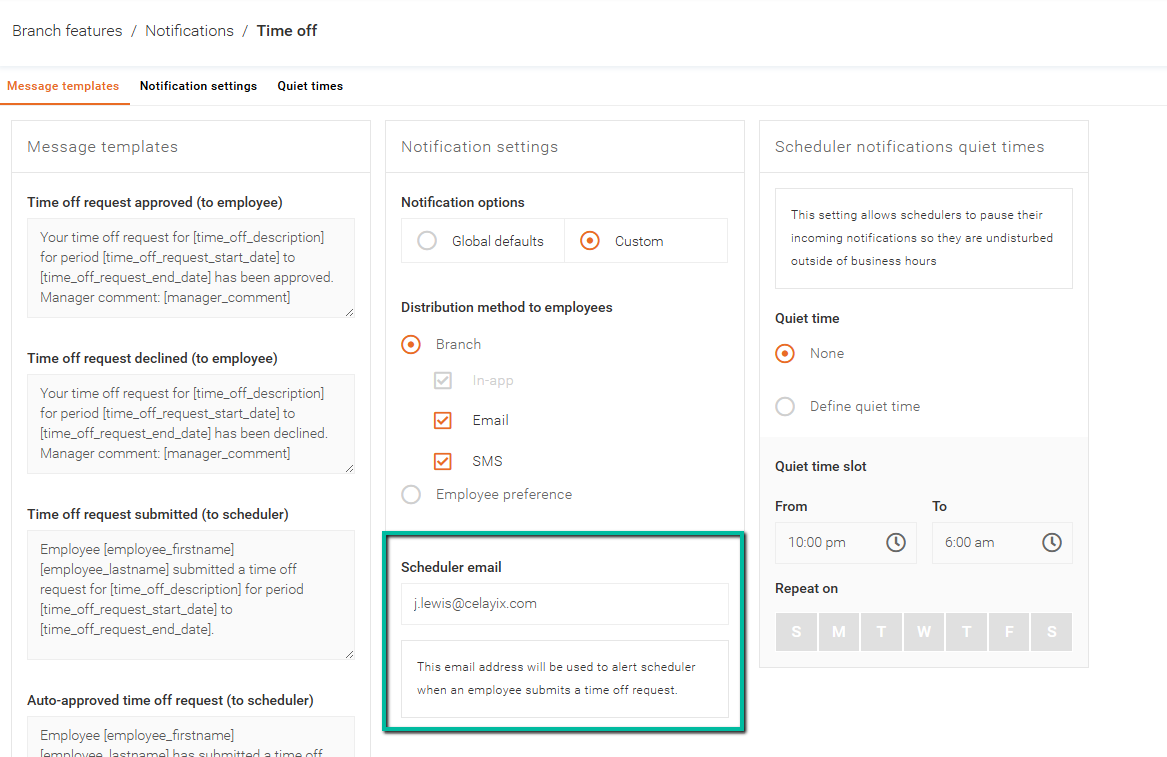
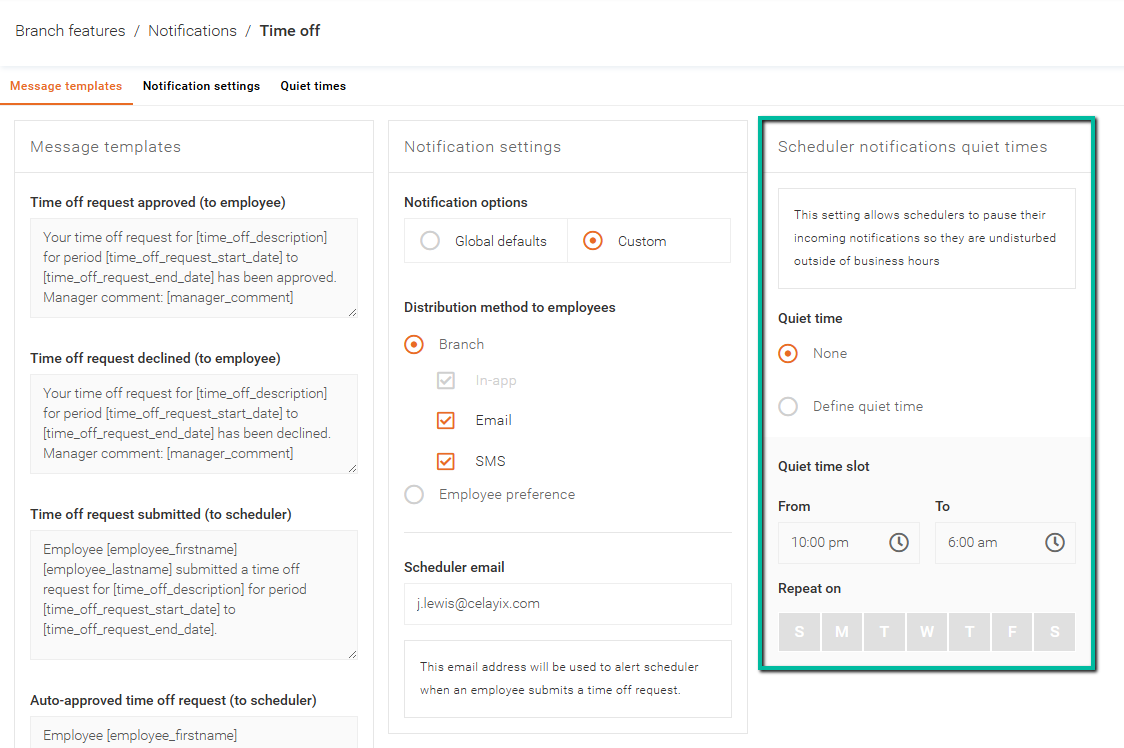
Set Notification Quiet Times
You can define quiet times to prevent schedulers from receiving notifications outside of working hours.