Set Date and Time Preferences for Admins
Learn how to set consistent date and time formats in Schedule Xpress.
Configurable date and time display settings in Schedule Xpress allow administrators to define formats that align with organizational standards and regional preferences.
Set Preferences
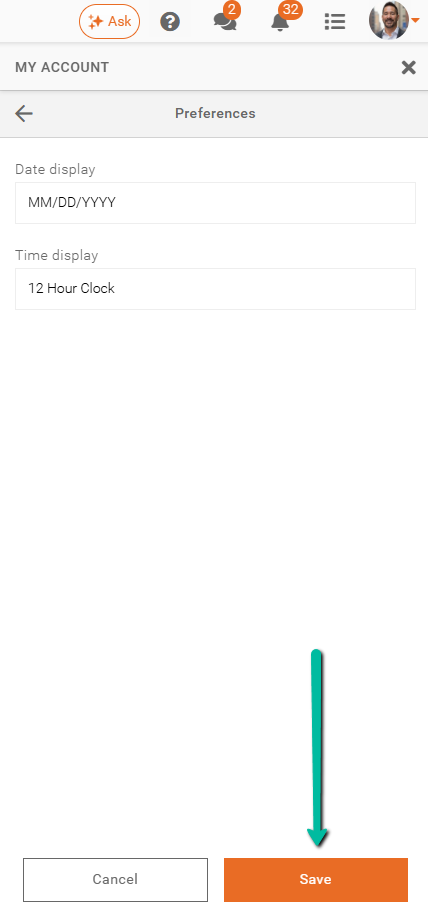
The Preferences section is located under My Account > Preferences. It provides centralized control over how dates and times are displayed across your entire schedule in Schedule Xpress. By configuring these settings once, you ensure consistent formatting throughout the application.
Administrators can customize:
- Date display format – choose between MM/DD/YYYY and DD/MM/YYYY
- Time display format – select either 12-hour or 24-hour clock (12-hour is the default)
These settings promote clarity, reduce confusion, and ensure that all users view scheduling information in a standardized and familiar format.