
Add Time Off Types
Create and manage time off types to align employee requests with company policies.
You can add time off types in Schedule Xpress to give employees more options when requesting time off. Creating custom time off types helps ensure requests align with your policies and are tracked correctly.
Access Time Off Types
To manage time off types, go to:
Settings → Branch Defaults → Time Off
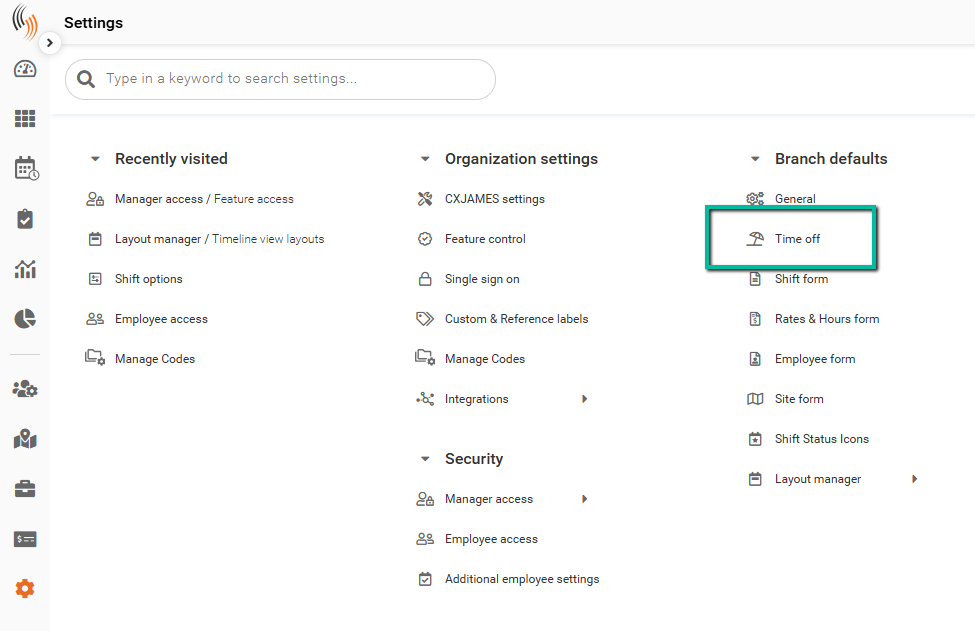
You will see a list of existing time off types and codes.
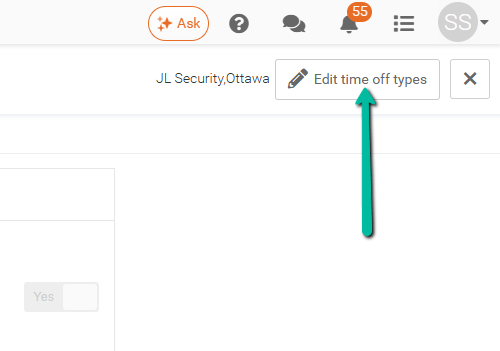
To make changes, click Edit time off types in the top-right corner.
Show Time Off Codes
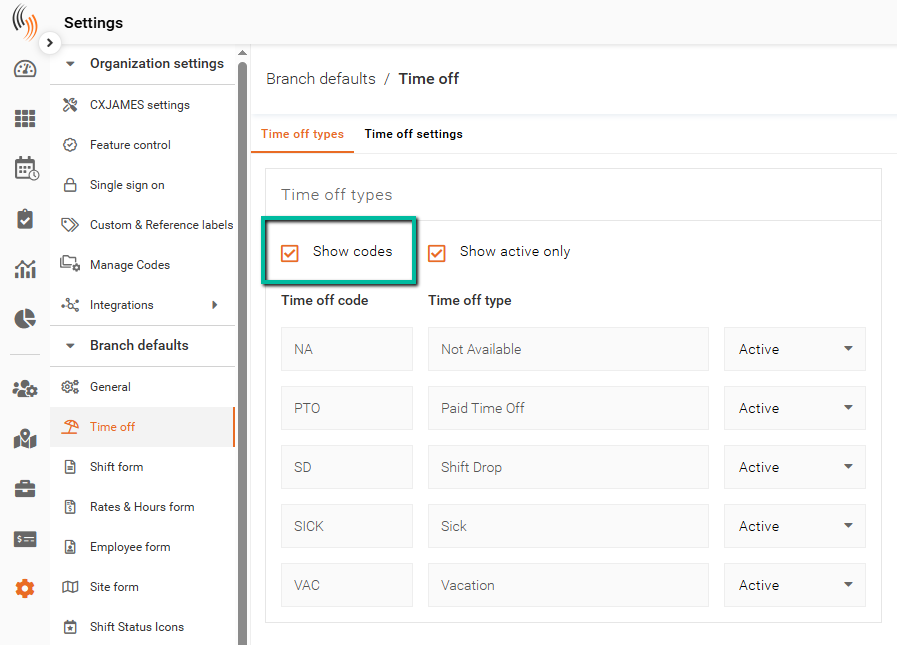
To add or edit codes, click Show codes.
Codes are used to identify each time off type and must not exceed 4 characters.
Add a Time Off Type
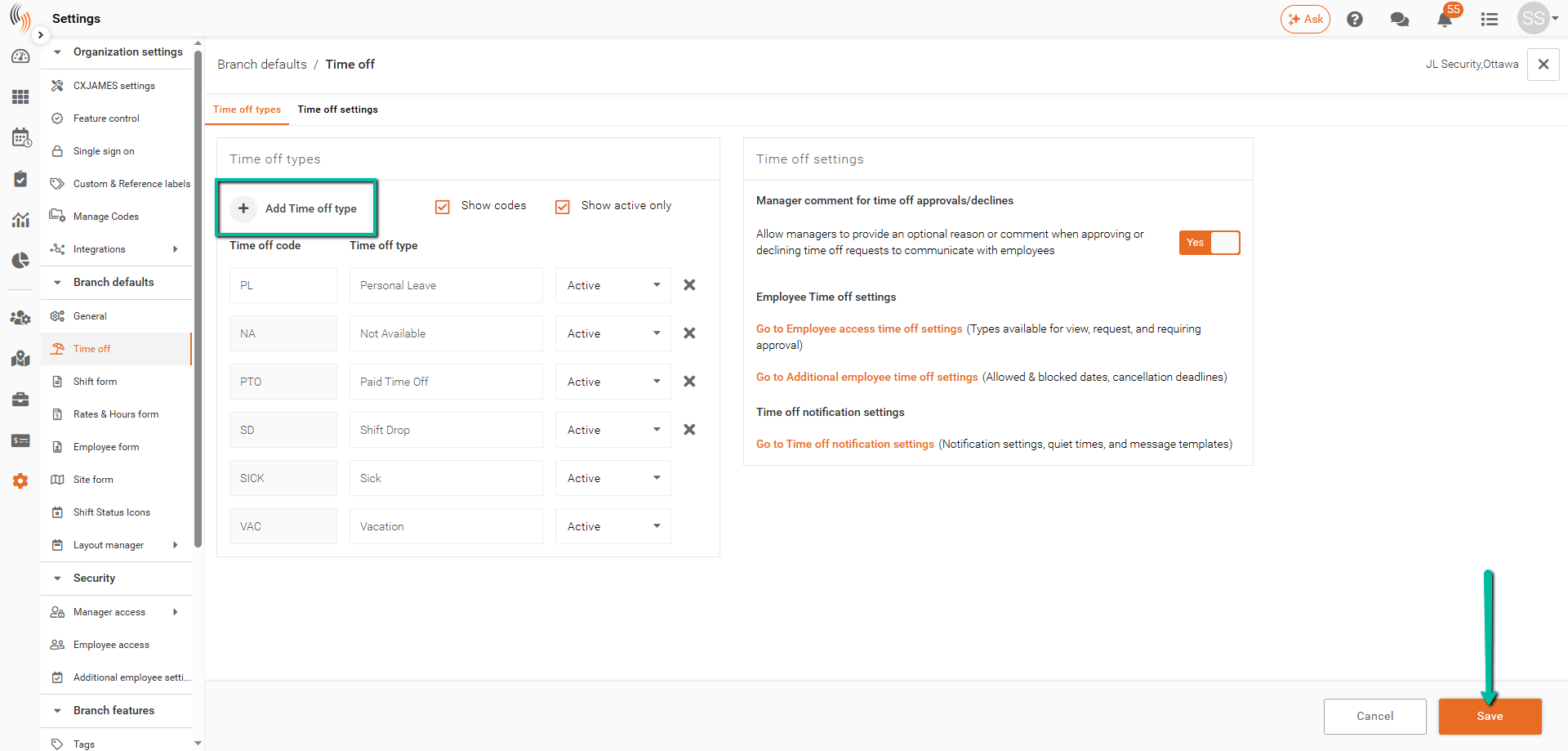
To create a new time off type:
- Click + Add Time off type
- Enter a Time off code
- Enter a Time off type description
- Save your changes
Next Steps
After creating time off types, ensure employees have access to request them by configuring Employee Access settings.