Add Bill Rates
Maintaining accurate bill rates is essential for invoicing and revenue management. Manage Rates allows administrators to centralize and manage bill rates in one location, making it easy to create, update, and reference rates as needed.
Access Manage Rates
To access Bill Rates:
- Click the Dollar ($) Icon from the left-hand menu.
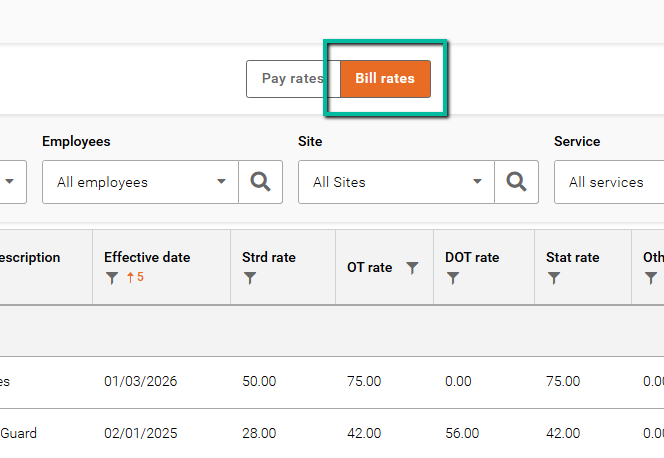
- Select the Bill Rates tab.
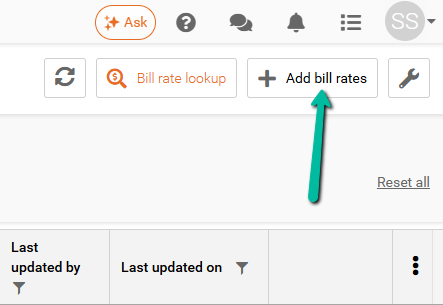
You can add a new bill rate by clicking Add Bill Rates in the top-right corner or by selecting Add Bill Rates from the Wrench menu.
Understand Bill Rate Types
The system supports several bill rate types depending on your configuration:
- Employee Bill Rates – Assigned to specific employees.
- Site Bill Rates – Applied to specific sites.
- Branch Default Bill Rates – Standard rates configured at the branch level.
- Combination Bill Rates – Rates based on a combination of employee, site, and service.
- Bill by Markup – Calculates bill rates using a markup applied to pay rates.
Note: Available bill rate types may vary depending on your system configuration. If you are unsure which options are available, please contact Celayix Support.
Add a Bill Rate
Begin by selecting the type of bill rate you want to create.
Depending on the selected bill rate type, you may be required to define the following:
- Employee Bill Rates – Select the employee(s), service(s), effective date, and rate.
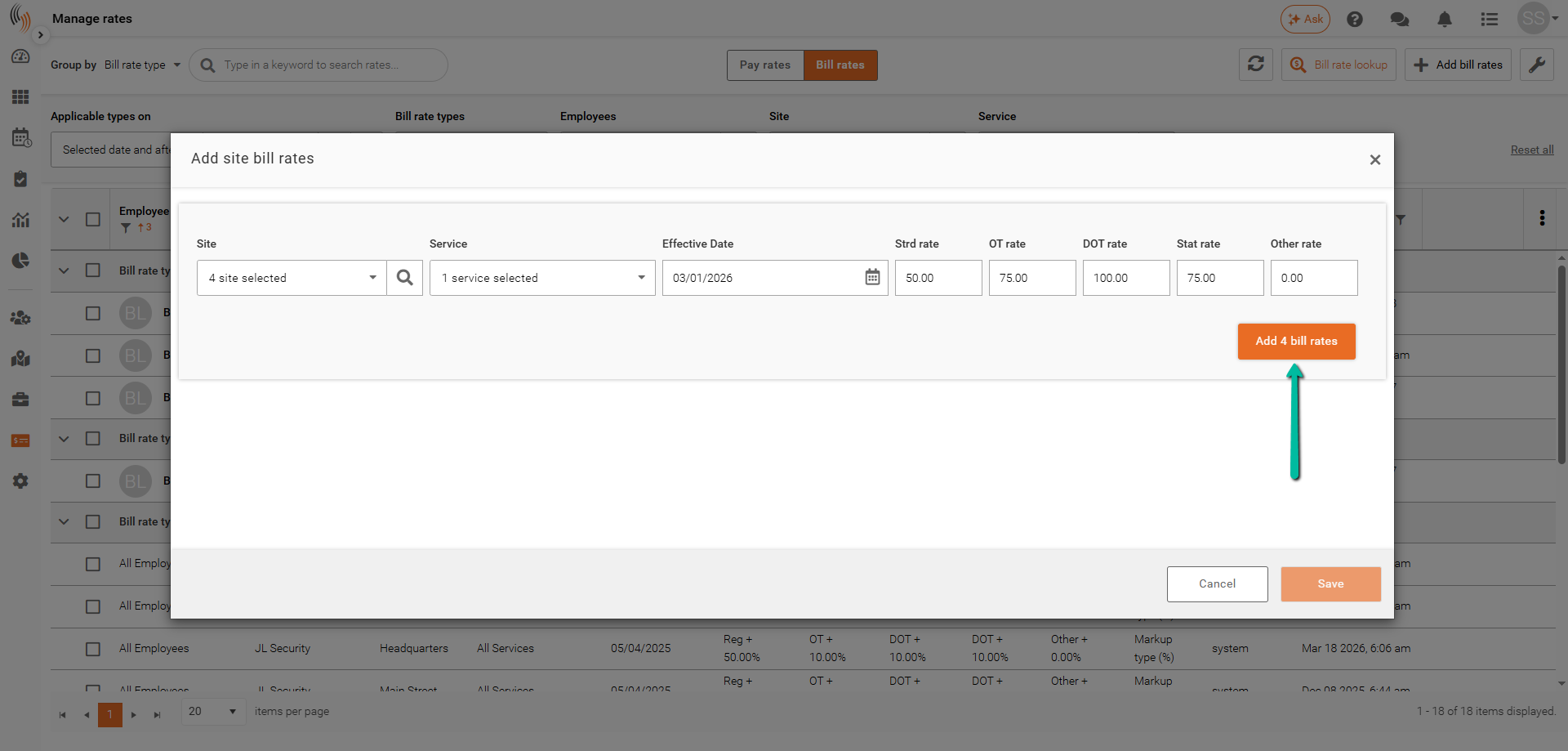
- Site Bill Rates – Select the site(s), service(s), effective date, and rate.
- Branch Default Bill Rates – Select the service(s), effective date, and rate.
- Combination Bill Rates – Select the employee(s), site(s), service(s), effective date, and rate.
- Bill by Markup – Define the markup value, applicable criteria, and effective date.
The example below shows a Site Bill Rate.
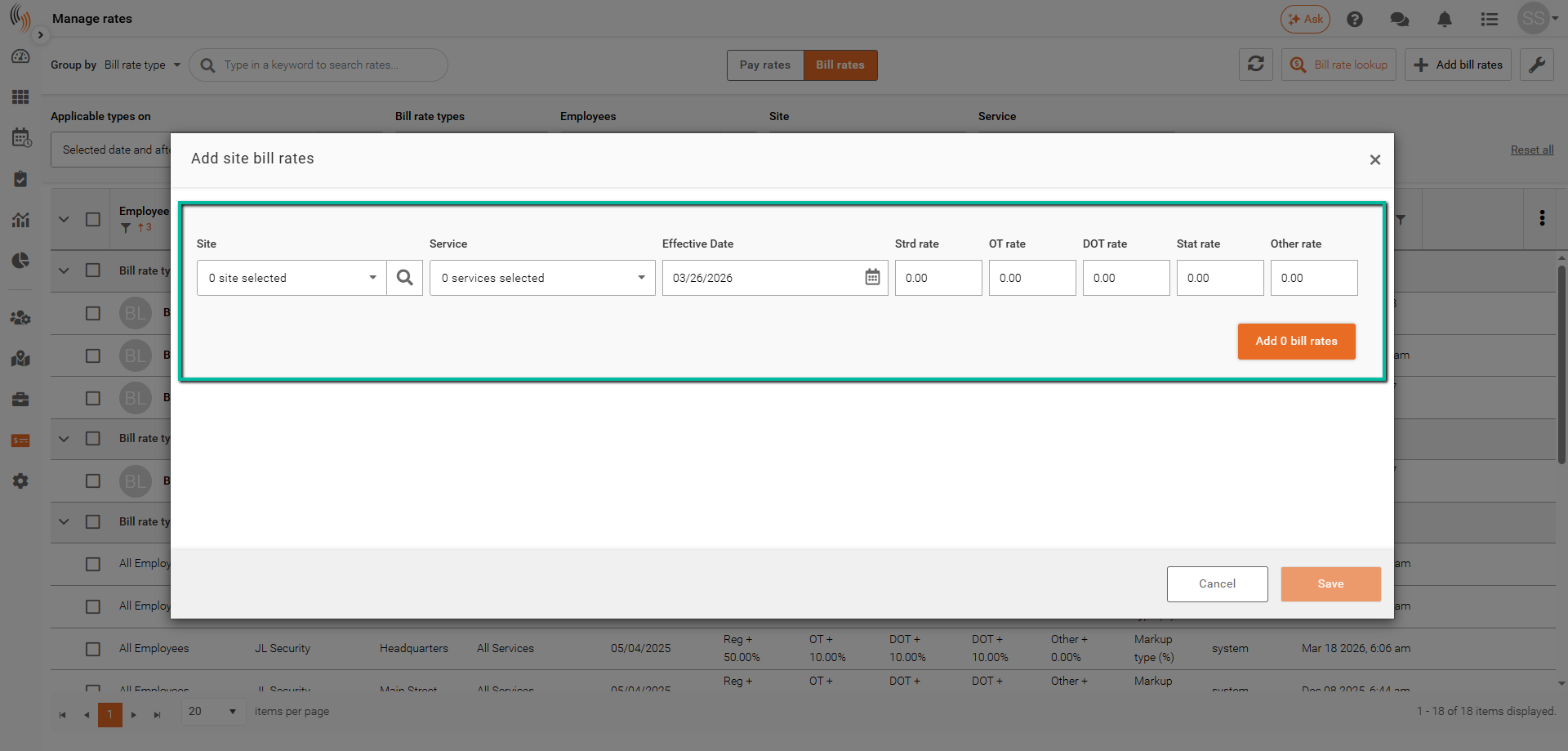
Once all required information has been entered, click Add Bill Rates to continue.
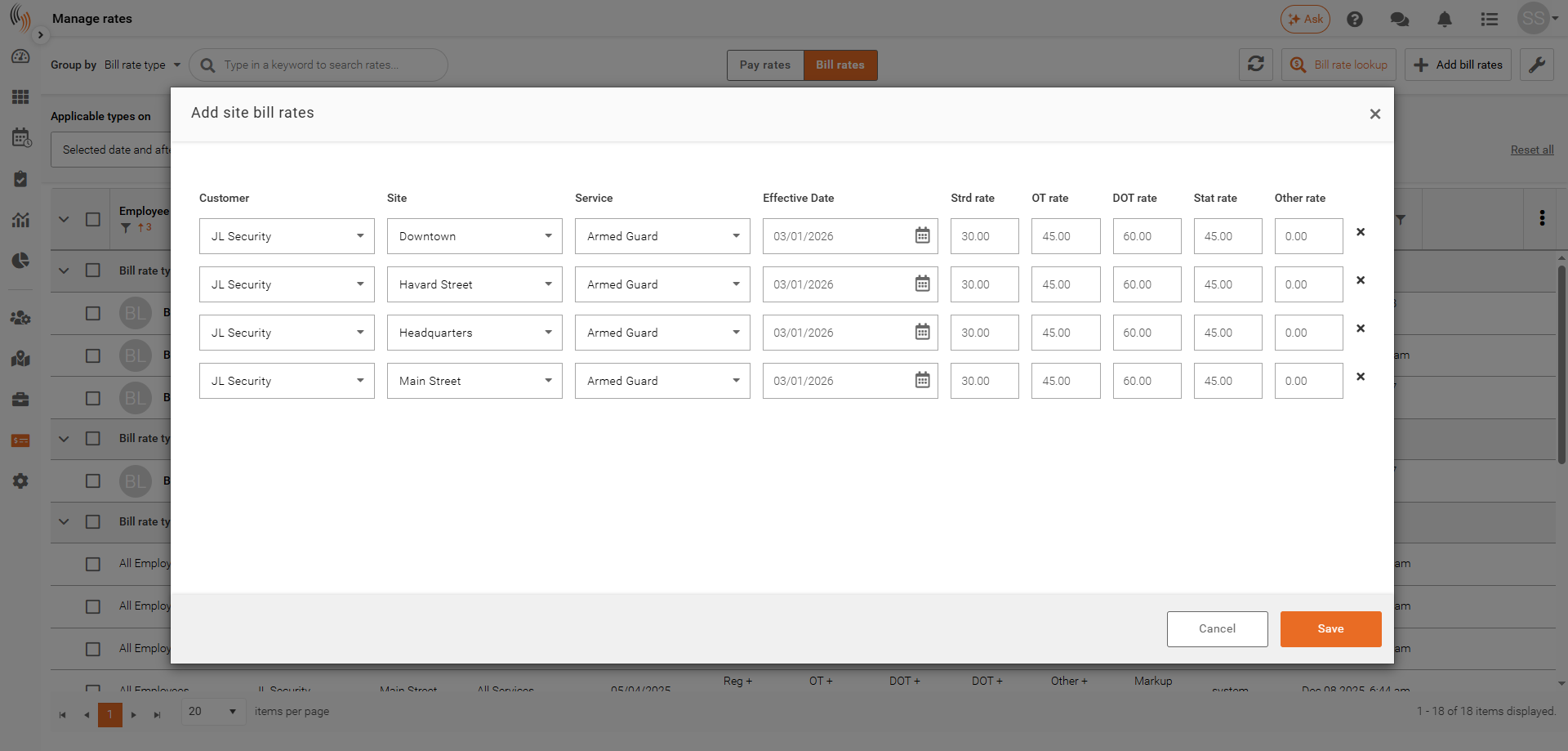
When multiple employees, sites, or services are selected, a separate bill rate line will be created for each combination.
Save Bill Rates
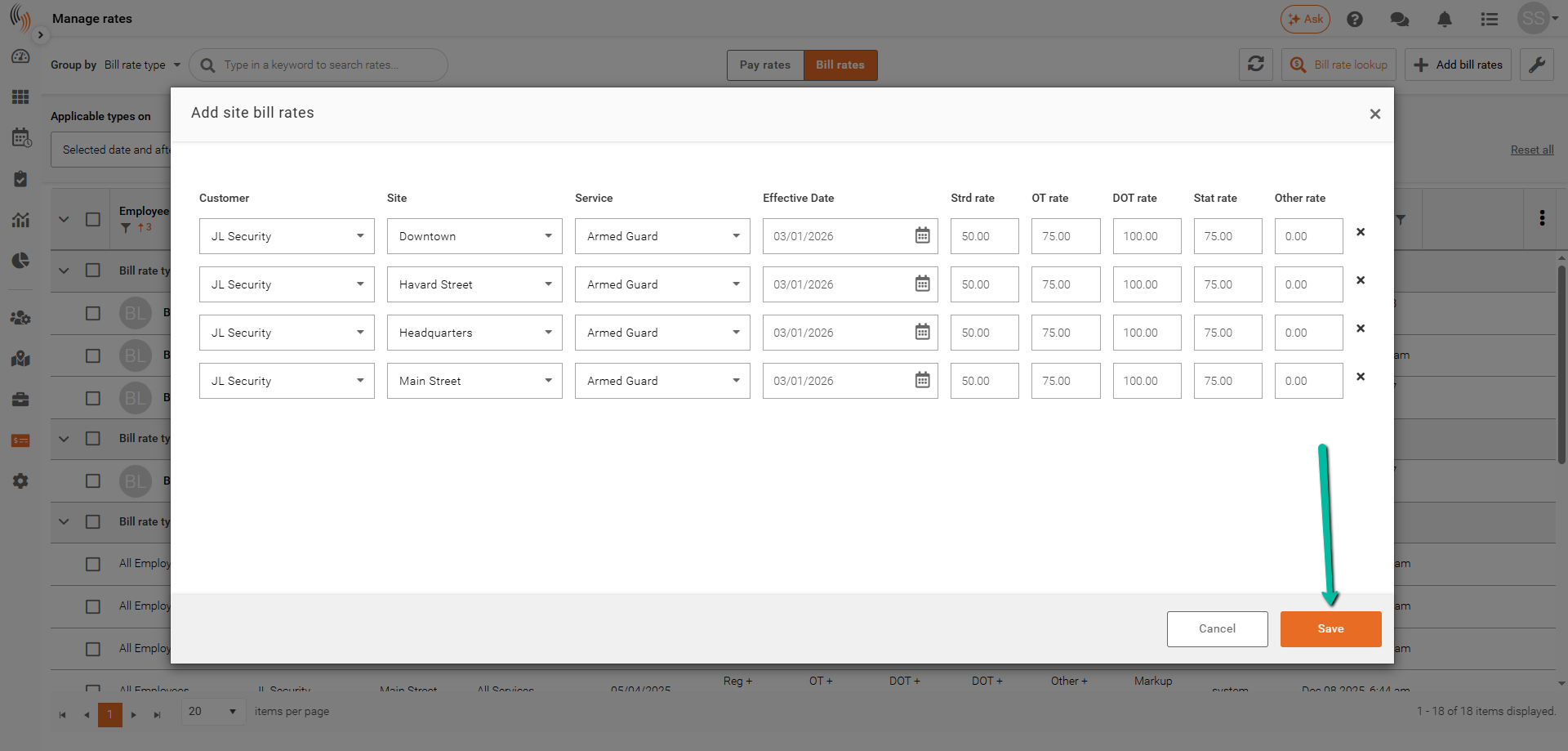
After reviewing the bill rates to be created:
- Click Add # Bill Rates.
- Click Save.
The bill rates will be created and ready for use.
Apply Rate Changes
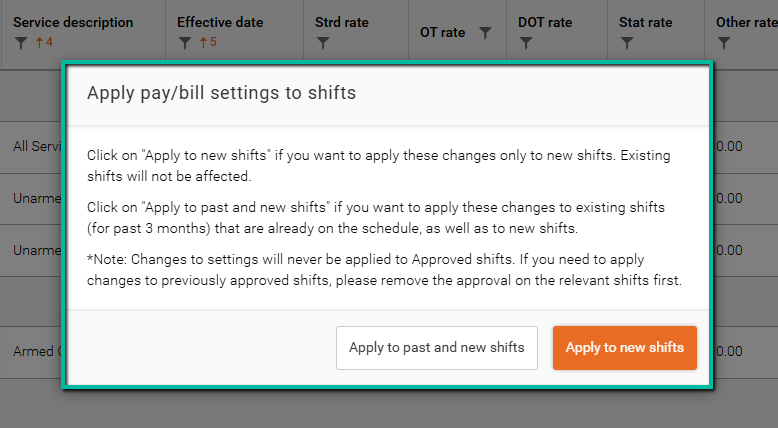
After saving, choose how the new bill rate should be applied:
- Apply to Past and New Shifts – Recalculates bill rates from the effective date and updates both historical and future shifts.
- Apply to New Shifts – Applies the new bill rate only to future shifts and preserves historical shift data.
Once selected, the bill rate(s) will be added.