
What's New? - May 2026
We are excited to share the latest updates to the Celayix platform, rolled out in May 2026. These updates are designed to improve functionality, enhance user experience, and ensure smoother workflows. Below, you'll find the details of the newest features and improvements.
Time Off Added to Time Processing Grid
Approved employee time off can now be displayed directly in the Time Processing Grid when the Show Approved Employee Time Off setting is enabled inside the your Time Processing Layout Manager.
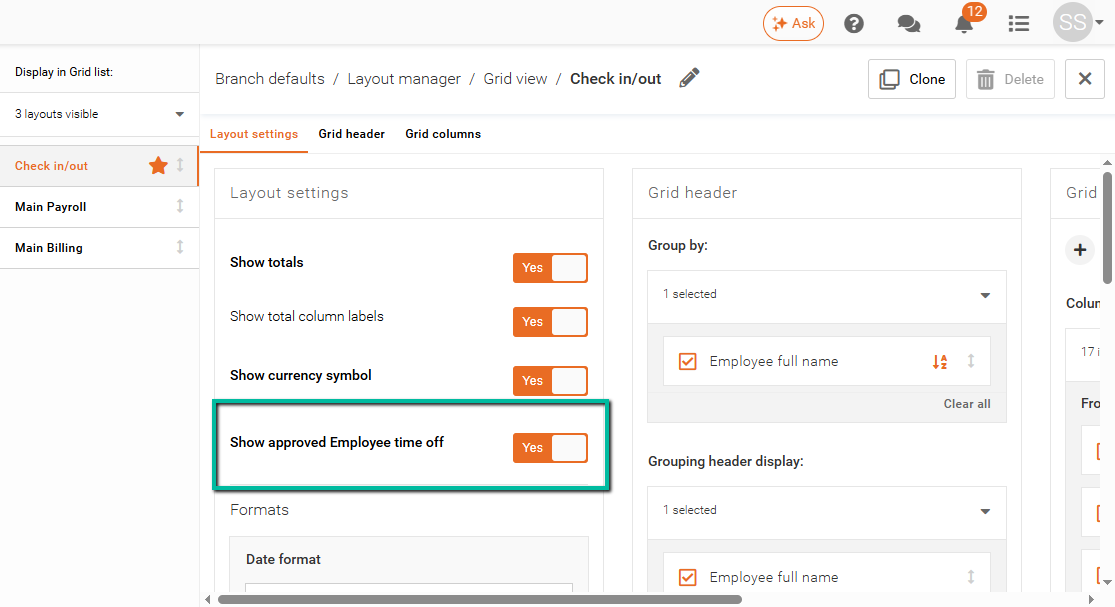
When enabled:
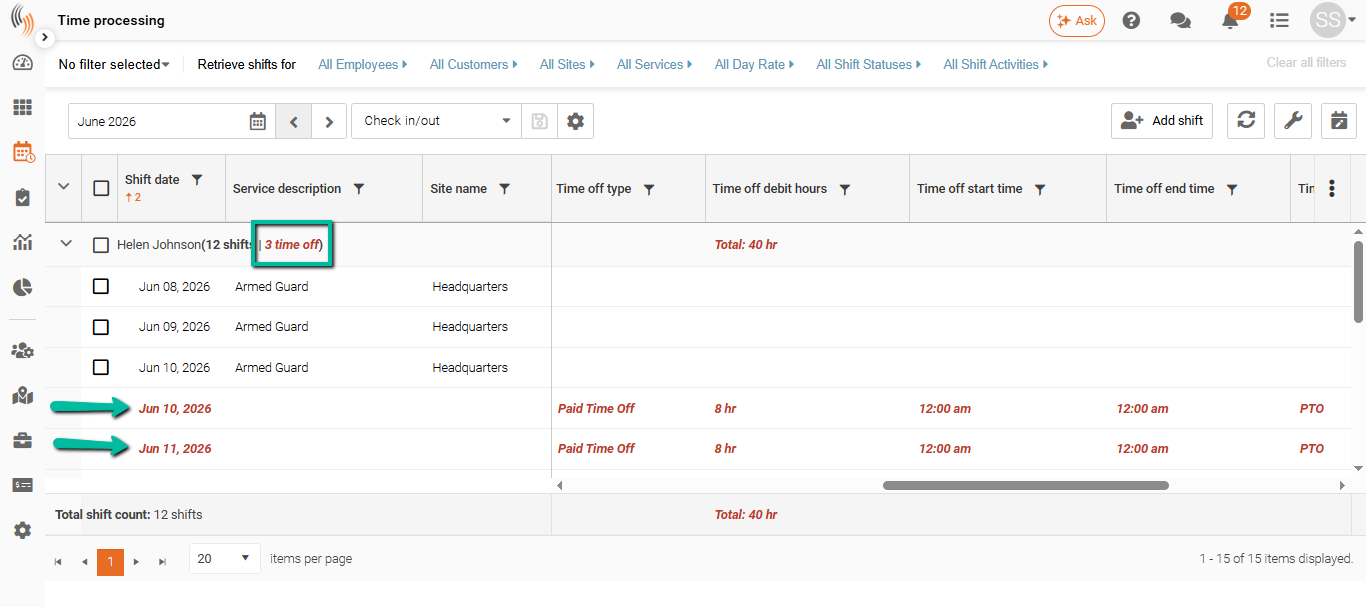
- Approved time off appears alongside employee shifts
- Time off details include type, start time, end time, and debit hours
- Time off entries are highlighted in red for easier visibility
- Exports now include approved time off information
Declined time off requests remain hidden, and turning the setting off removes all time off information from the grid.
MCP Server in Schedule Xpress
The new Celayix MCP feature allows approved AI assistants to securely connect to live Schedule Xpress data. Managers can ask questions in plain language and quickly receive answers about schedules, employees, sites, time-off requests, attendance, and qualifications.
For example, managers can ask:
- “Who is scheduled at the downtown site tomorrow?”
- “Which employees have certifications expiring soon?”
Administrators can set up access using a secure token without sharing Schedule Xpress passwords. This helps reduce manual lookups and makes it faster to find important workforce information.
If enabled by Celayix, MCP will be available under:
My Account → MCP
To create a new MCP token:
- Head to My Account → MCP
- Click Create New Token
- Enter your password
- Enter a name for the token
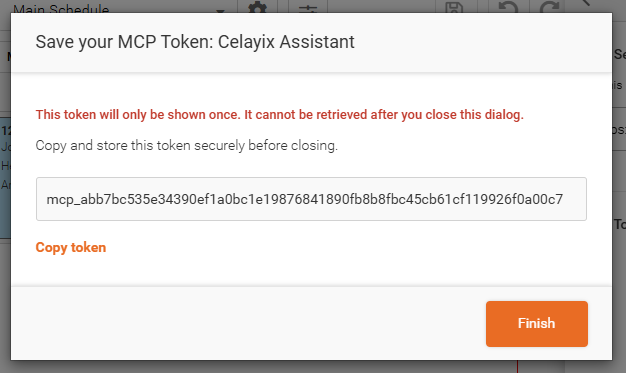
- Copy the token provided
- Paste the token into the relevant area of your AI system
Bug Fixes and Improvements
Kiosk Punch Sync Time
Kiosk punch synchronization has been improved to display punch in and punch out updates more quickly.
After punching in or out using the kiosk, updates are now expected to appear within approximately 5–6 minutes, improving overall responsiveness.