
Download Team Xpress
Team Xpress allows employees to access schedules, receive updates, submit requests, communicate with team members, and manage workforce information directly from their mobile device.
Download Team Xpress for iPhone
Team Xpress can be downloaded on Apple devices through the Apple App Store.
Select the link below to download the app:
Download Team Xpress for iPhone
Download Team Xpress for Android
Team Xpress can be downloaded on Android devices through the Google Play Store.
Select the link below to download the app:
Download Team Xpress for Android
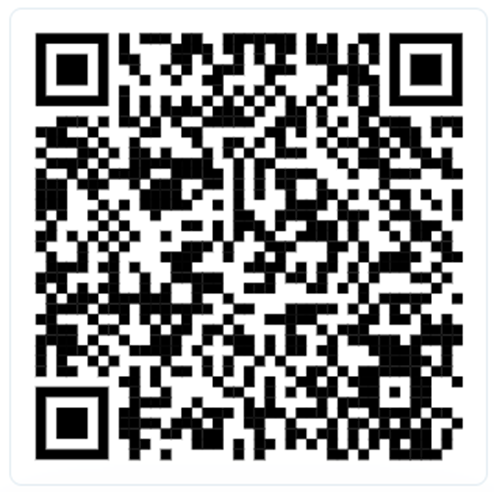
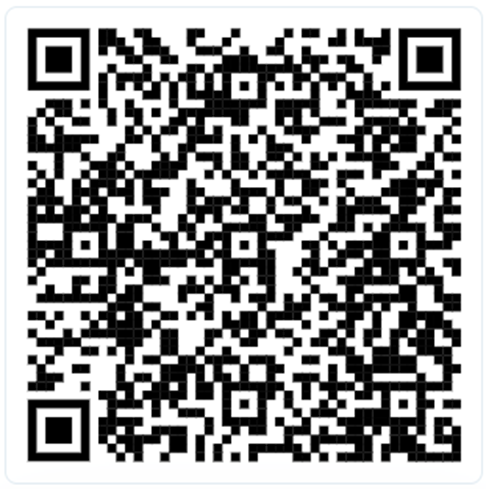
Download Team Xpress Using QR Codes
You can also download Team Xpress by scanning the QR codes below with your mobile device camera.
Apple App Store QR Code
Google Play Store QR Code
Log In to Team Xpress
After downloading the app, open Team Xpress and log in using your credentials:
- Client ID
- Username
- Password
Your organization will send you an invitation to set up your own password using the provided login credentials.