Export Services to PDF
Learn how to export your services into a PDF for reporting, sharing, or record-keeping.
Exporting services to PDF allows you to present information in a clear, consistent format that can be easily shared, printed, or archived.
Export Services to PDF
To export services to PDF:
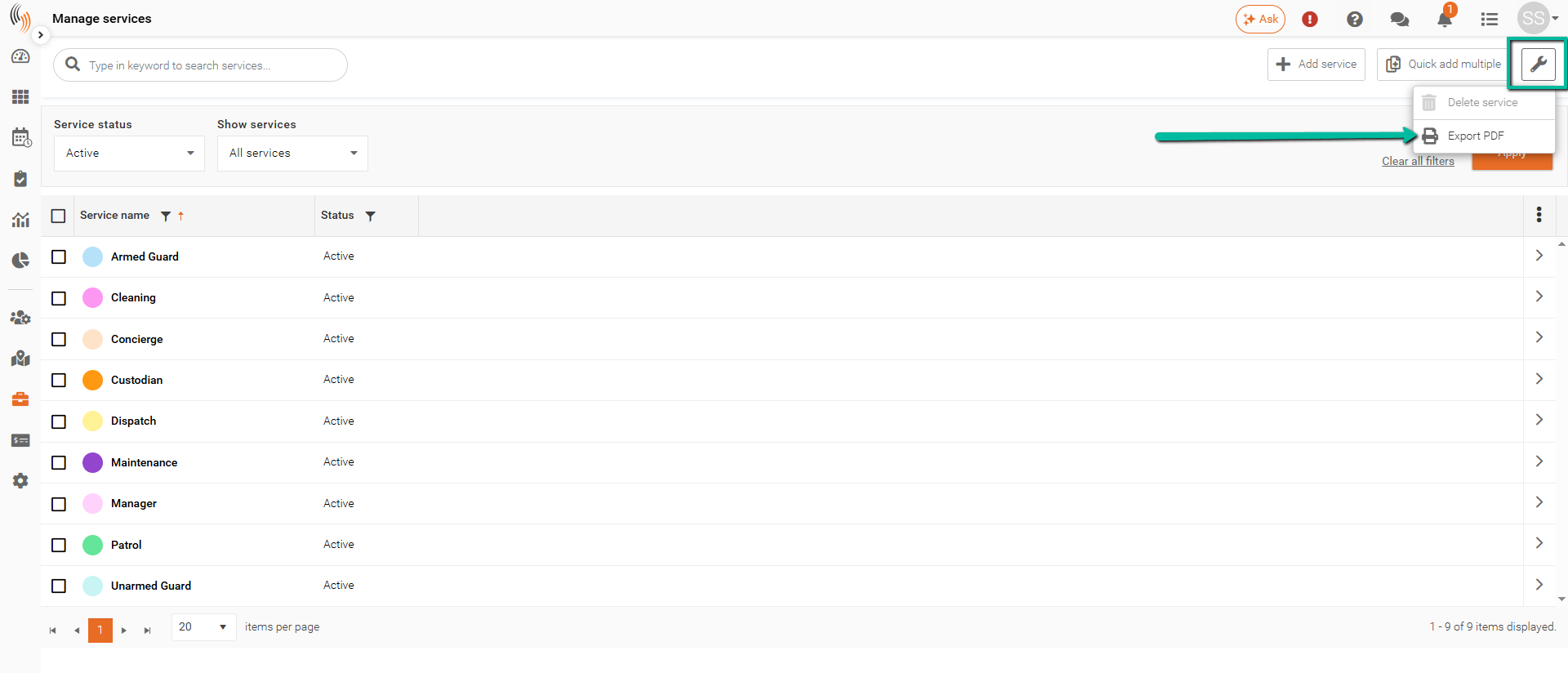
- Select the columns you want to include by configuring them in the Manage Services section using the three dots (⋮)
- Click the Wrench Icon, then select Export PDF
Only the columns currently displayed on screen will be included in your PDF export.
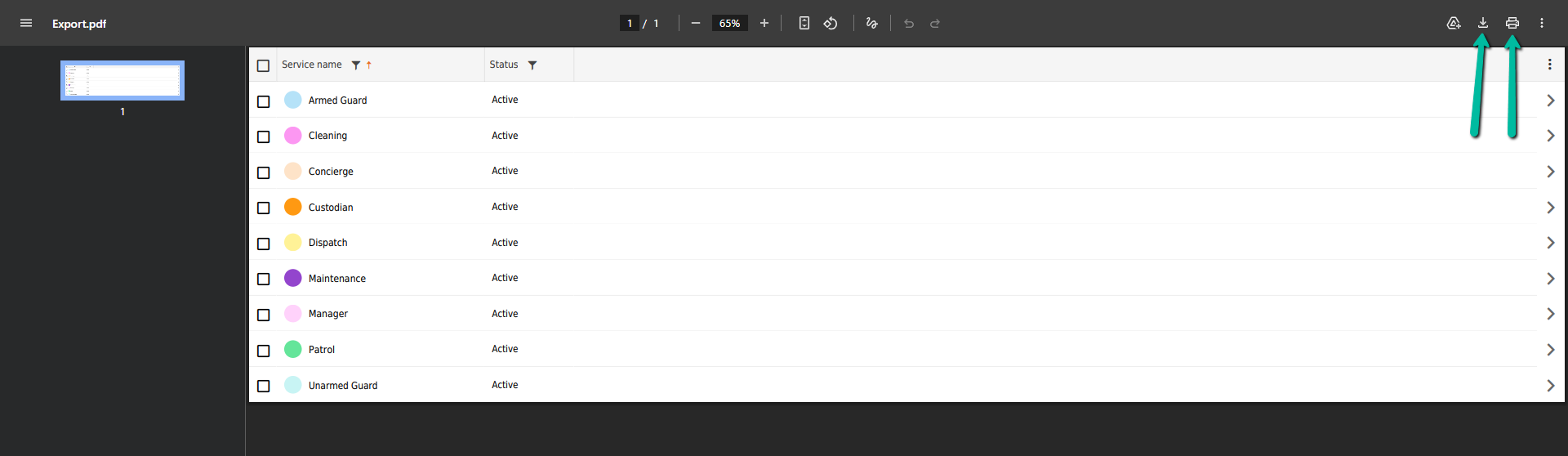
Download and Print the Exported PDF
Once generated, the PDF will open in a new window.
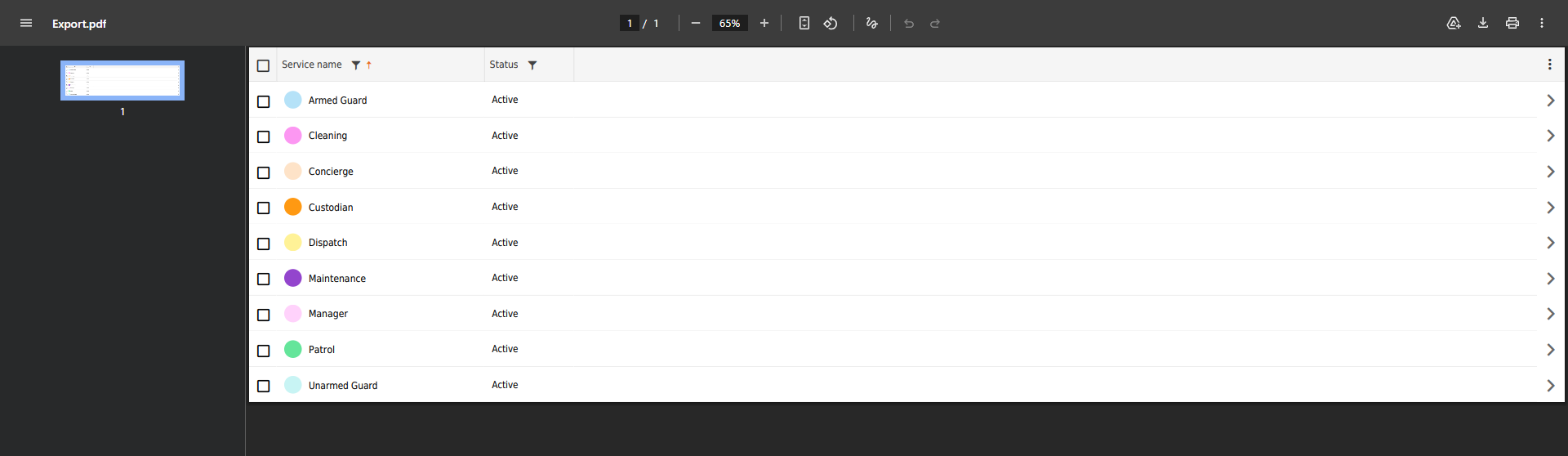
You can then:
- Download the file
- Print the document
Use the Save or Print options in the top-right corner