Filter Pay Rates
Learn how to quickly narrow down and view specific pay rates using filtering options.
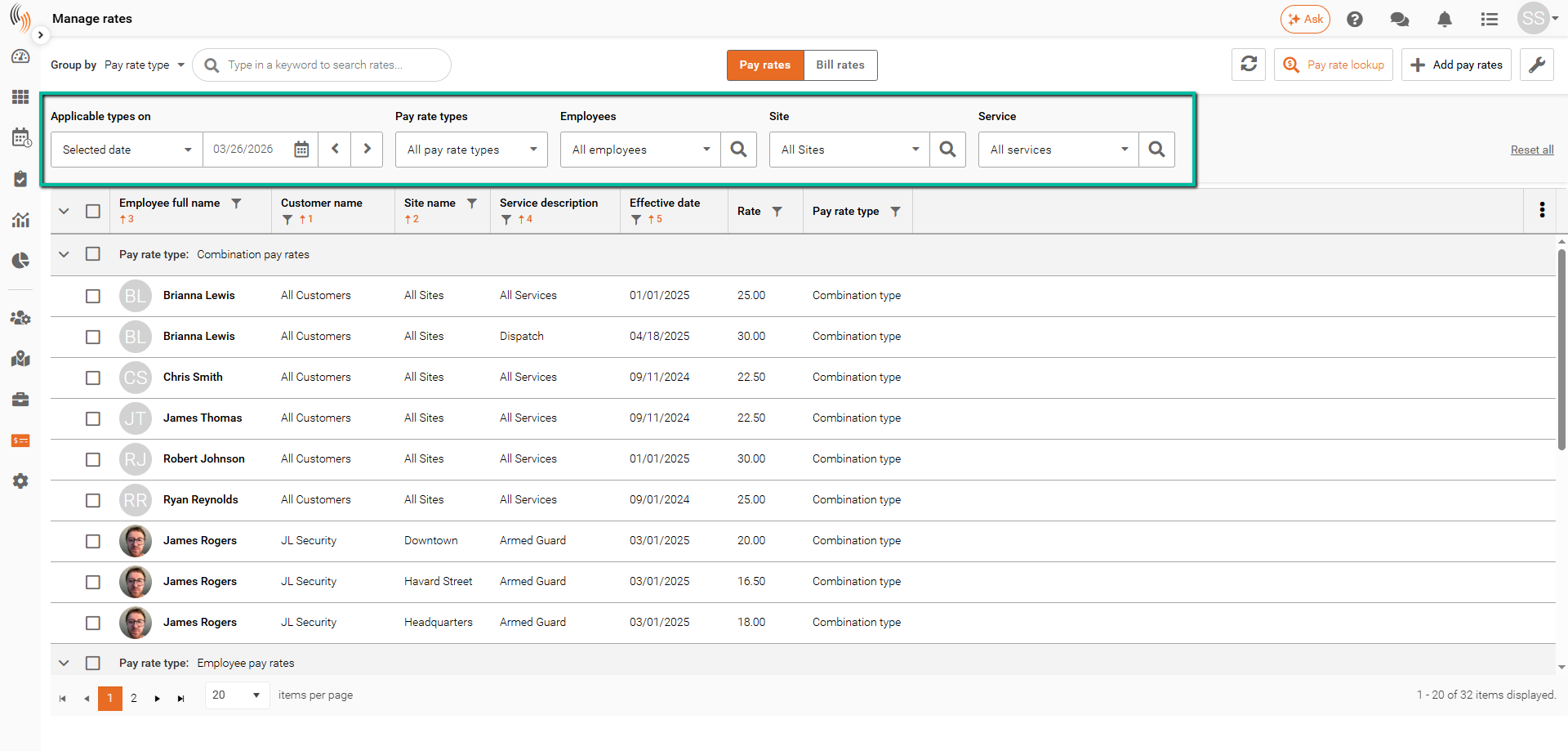
When managing large numbers of pay rate records, filters can help you quickly locate the rates you need. The filtering tools in Manage Rates allow administrators to search by date, pay rate type, employee, site, and service.
Use Pay Rate Filters
Use the filters in Manage Rates to locate specific pay rates based on selected criteria.
Available filters include:
- Applicable Types On – Select a date to view all pay rates effective on or before that date. Rates with a later effective date will not be displayed.
- Pay Rate Types – Filter by pay rate type, such as employee, site, or combination rates.
- Employees – Select one or more employees to view their associated pay rates.
- Sites – Select one or more sites to view rates assigned to those locations.
- Services – Select one or more services to view pay rates associated with those service types.
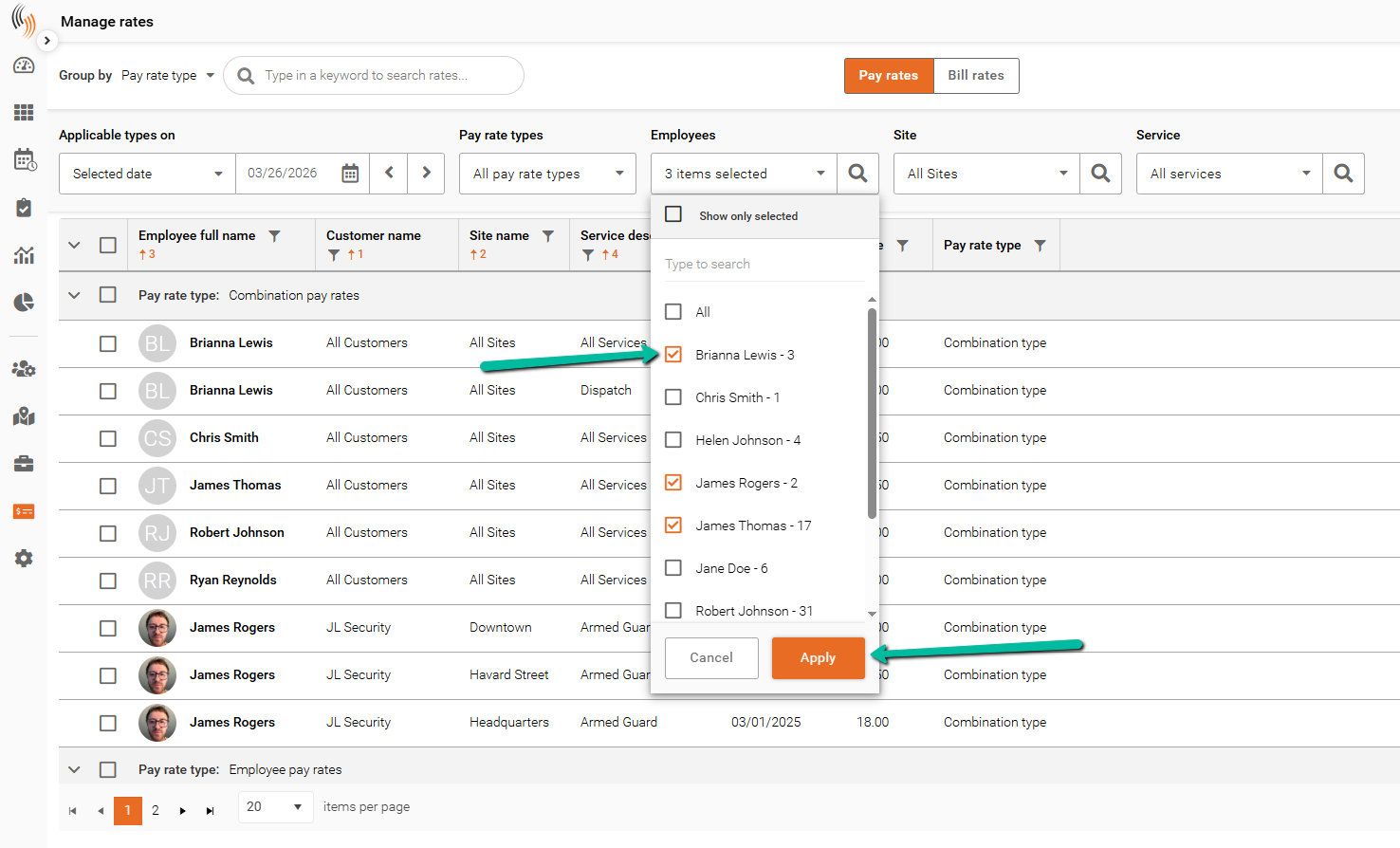
To apply a filter:
- Select one or more options from the desired dropdown.
- Click Apply.
The pay rate list will update to display matching results.
Reset All Filters
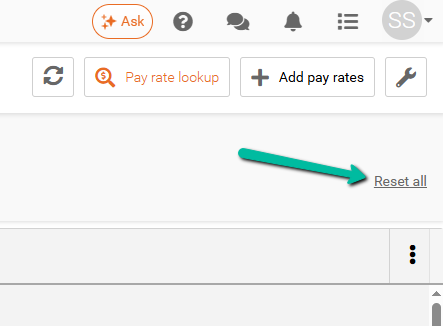
To remove all applied filters, click Reset All.
This will clear all selected filters and return the full list of pay rates.