Bid on Shifts in Shift Bidding
View, bid on, or decline available shifts using the Shift Bidding feature in Team Xpress.
Shift Bidding allows shifts to be viewed, selected, or declined when they are made available by the company.
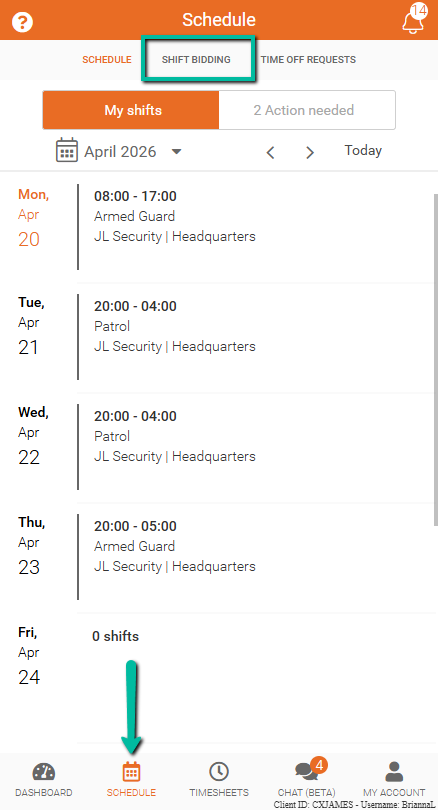
Find Shifts for Bidding
Available shifts appear under the Shifts for Bidding tab.
Only shifts that match qualifications and availability will be displayed.
View Shift Details
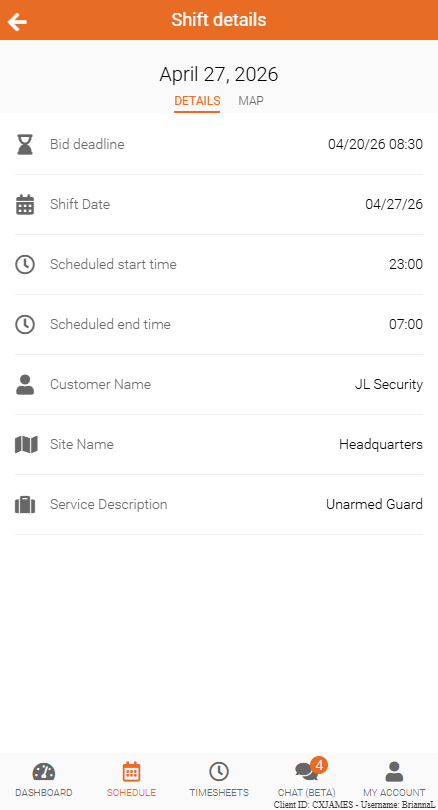
Click on a shift to view full details, including the shift location and map.
Submit a Bid
To request shifts:
- Open the Shifts for Bidding tab
- Select the checkboxes next to the desired shifts
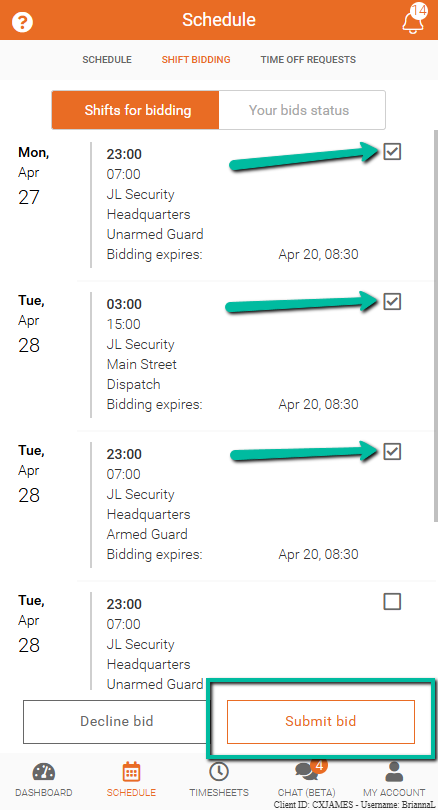
Next:
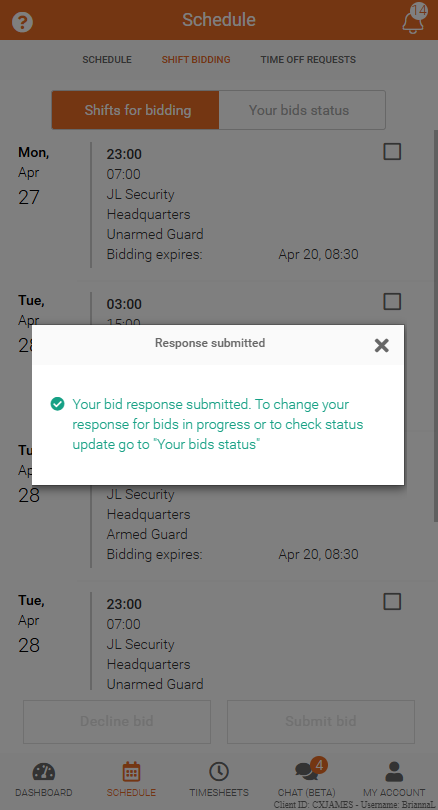
- Click Submit Bid
You'll be greeted with a success banner.
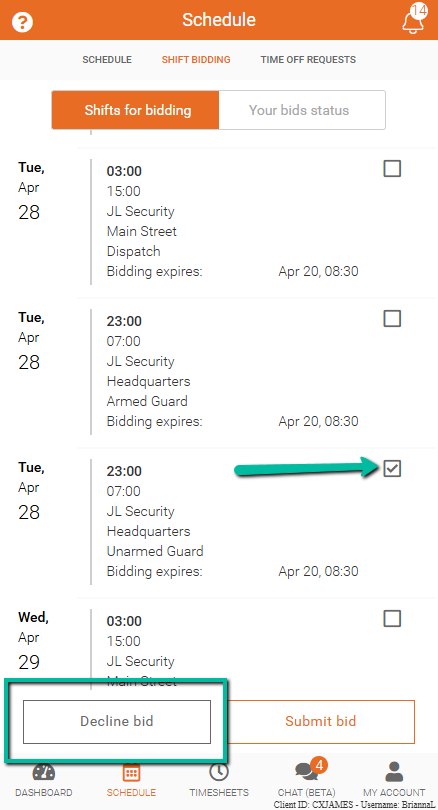
Decline Shifts
To remove shifts that are not of interest:
- Select the checkboxes next to the shifts
- Click Decline Bid
This removes the selected shifts from the list.