Add Signature to a Shift
Add a digital signature to confirm shift completion or capture client approval directly in Team Xpress.
Add a signature to confirm that shift work has been reviewed and completed.
The Add Signature feature allows you to capture a digital signature from yourself or a client when required. This helps verify task completion, acknowledge receipt, or authorize actions.
Where to Find Add Signature
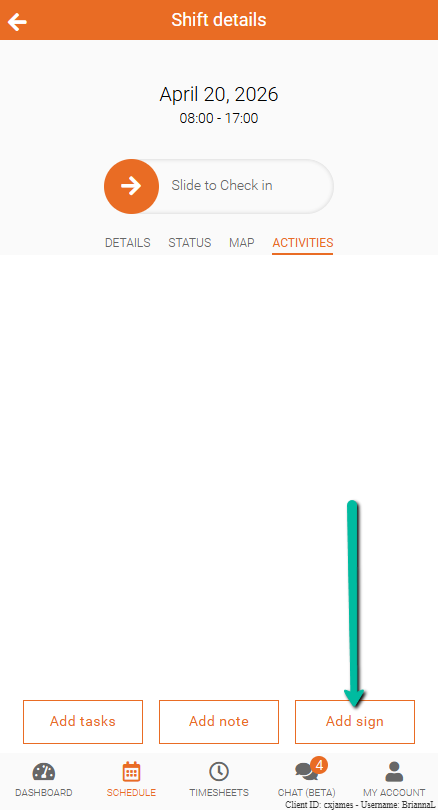
The Add Signature option is located in the Activities section at the bottom of the screen.
Add a Signature
To add a signature:
- Open Activities
- Tap Add Signature
- Sign in the signature area
- On mobile, use your finger
- On desktop, click and hold the mouse while signing
- (Optional) Enter a note if needed
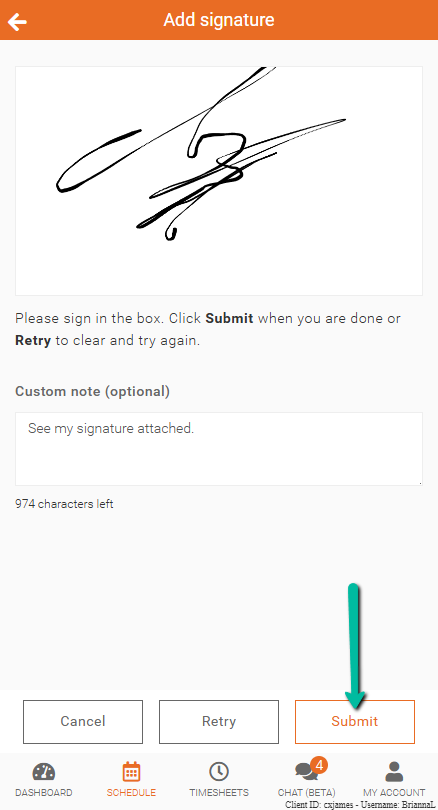
- Click Submit
Your signature will be sent to your admin for review.
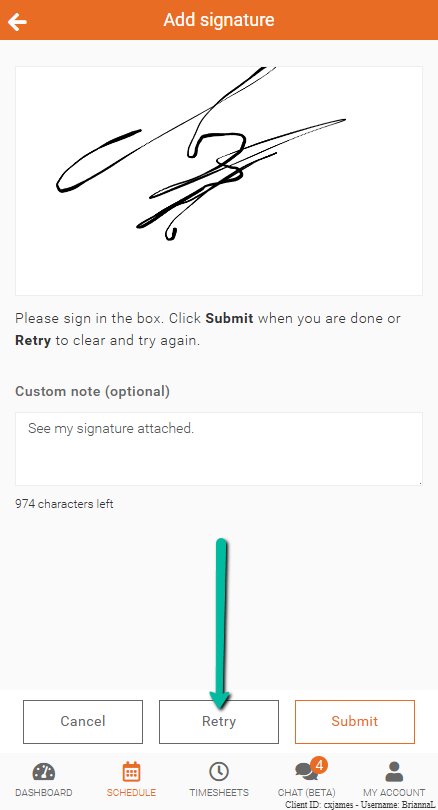
Retry Signature
If you need to redo your signature:
- Click Retry
This will clear the current signature so you can draw it again.
Once complete, click Submit to send your signature.