Edit a Time Off Request
Edit a pending time off request to update details before it is approved in Team Xpress.
Update a time off request to correct details before it is approved.
Time off requests can be edited while they are still pending, allowing changes to dates, times, or other details.
Note: Editing is only available for requests that require approval and are still in Requested status.
Find the Request
To locate a request to edit:
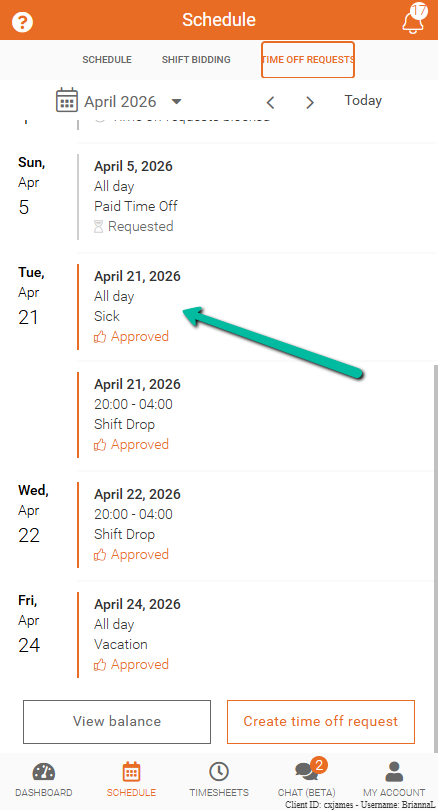
- Open Time Off Requests
- Find the request with Requested status
- Select the request
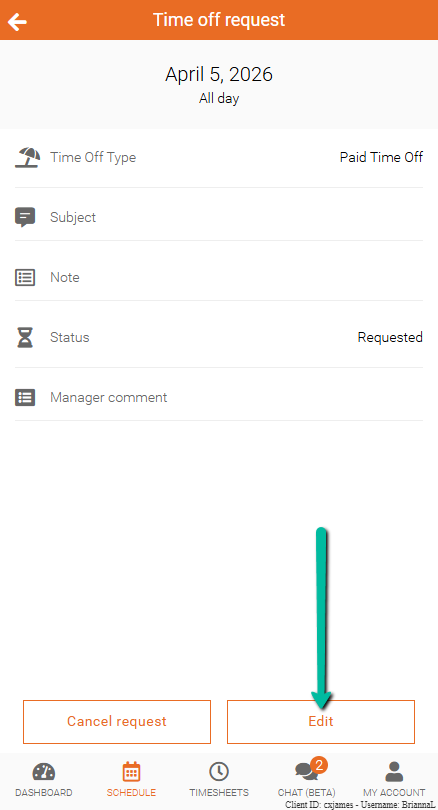
Edit the Request
To make changes:
- Click Edit
- Update the required details
For example:
- Change from a full day to specific hours
- Adjust start or end dates
Note: Edits can only be made if the status is Requested. If it is Approved, you must either cancel the approval or contact your supervisor for changes.