
Enable Manager Comment for Time Off
Accessing and configuring time off settings ensures efficient leave management by streamlining approvals, controlling access to time off types, and defining request rules. This promotes consistency, transparency, and policy compliance
Enable Manager Comment to allow managers to include notes when approving or declining time off requests. This helps provide context, improve communication, and maintain transparency in the approval process.
Access Time Off Settings
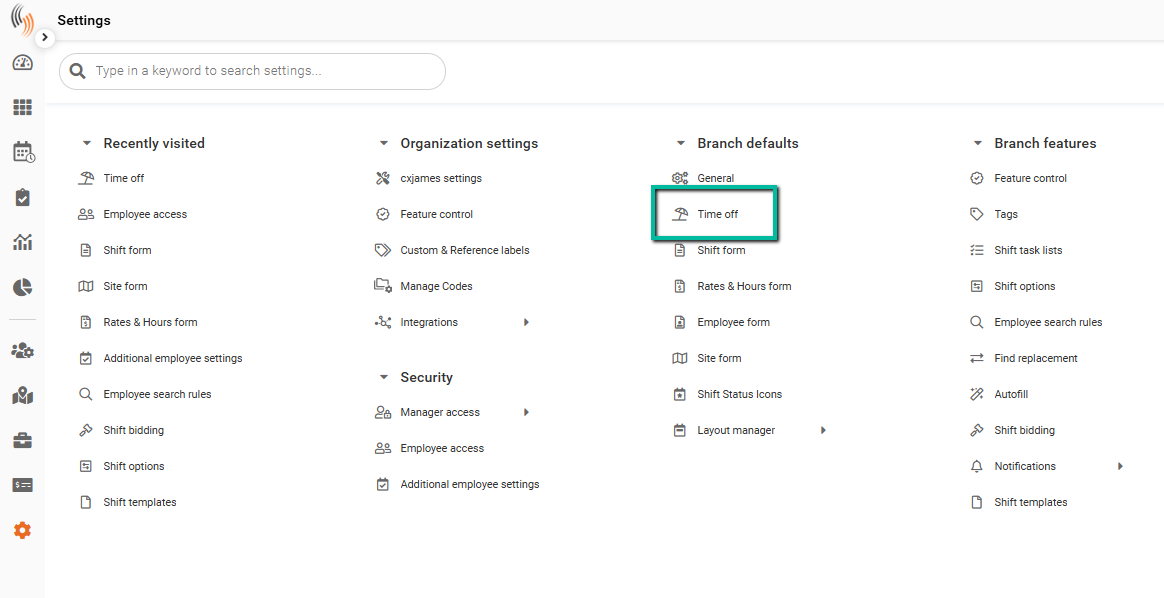
To configure this setting, go to:
Settings → Branch Defaults → Time Off
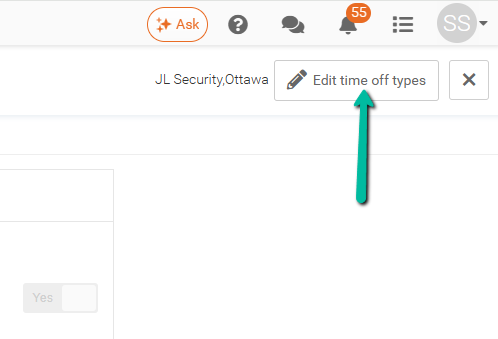
Click Edit time off settings in the top-right corner.
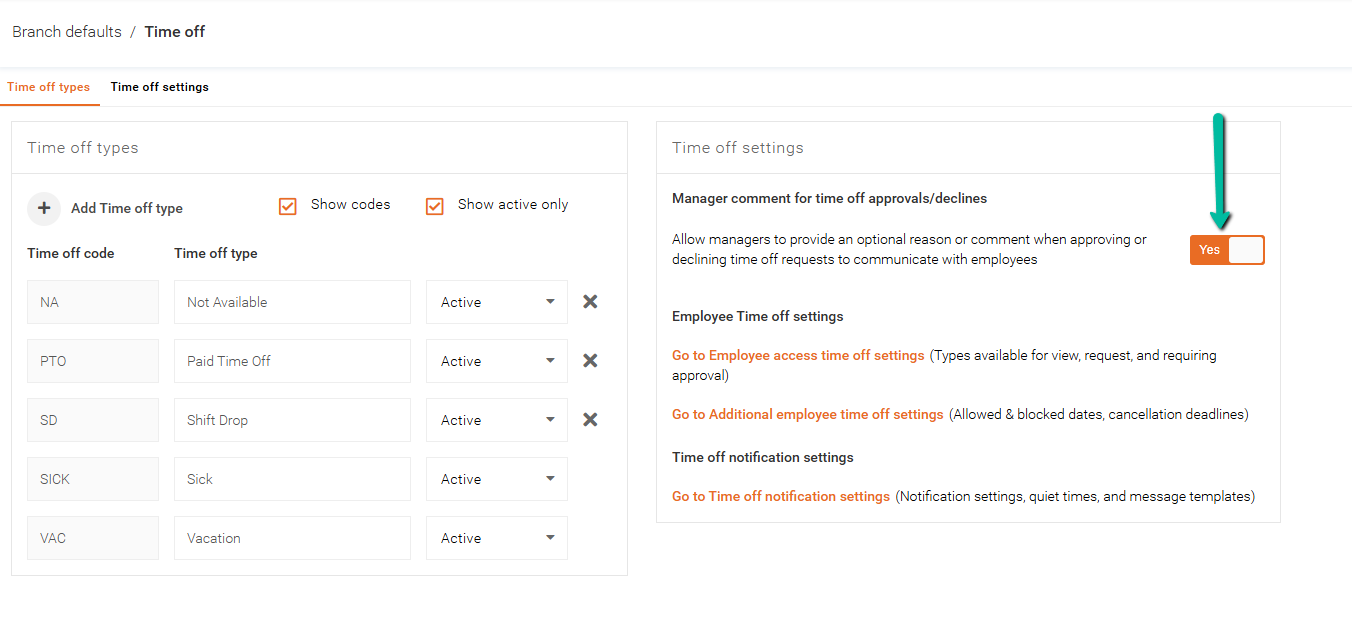
Enable Manager Comment
Within the Time Off settings:
- Locate Manager Comment
- Set the feature flag to Yes
How It Works
When enabled, managers will be able to enter a comment when approving or declining a time off request.
These comments are visible to employees within their request in the Team Xpress app, providing clarity on decisions.