Submit a Time Off Request
Find answers to common questions about logging in, scheduling, notifications, and troubleshooting in Team Xpress
Submit time off requests directly in Team Xpress for vacation, illness, or other time away.
This allows requests to be sent quickly to an admin without paperwork.
Access Time Off Requests
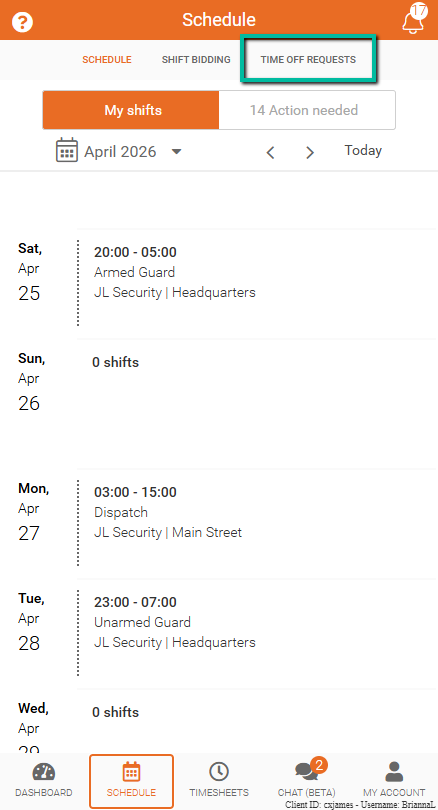
To access time off requests:
- Go to Schedule → Time Off Requests
All submitted requests will appear in this section.
Request Status
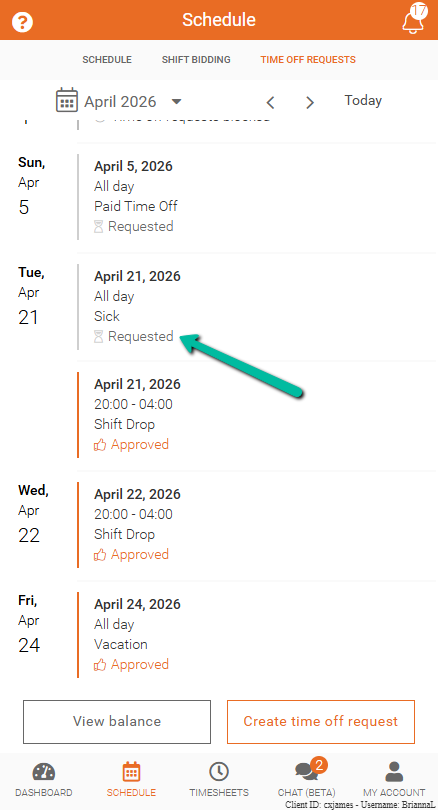
Each request shows a status:
- Requested – Waiting for approval
- Approved – Time off approved
- Declined – Request not approved
- Cancelled – Request cancelled
Create a Time Off Request
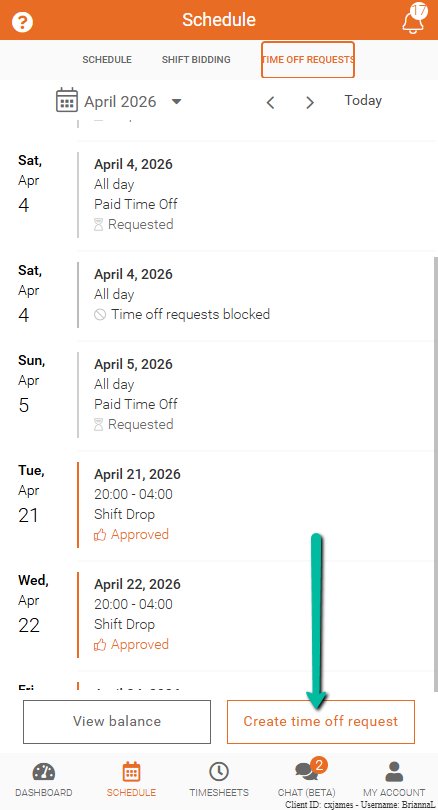
To submit a request:
- Select Request Time Off or Create Time Off Request
Note:
- Request Time Off may only appear if no request has been submitted during the current month
Complete the Request Form
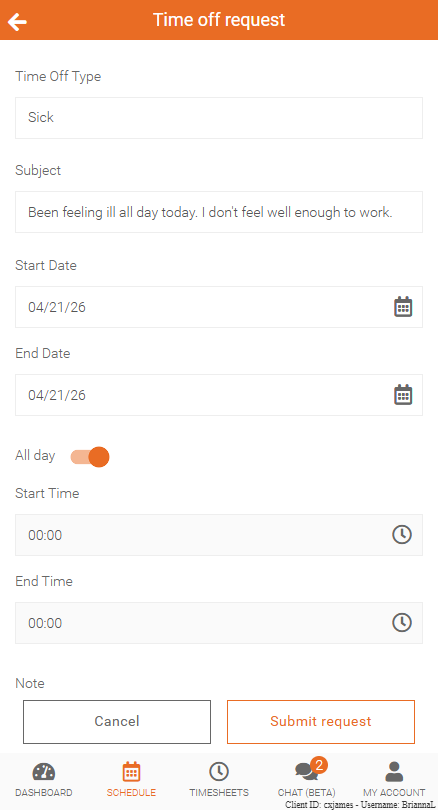
Enter the required details:
- Time Off Type
- Subject
- Start Date and End Date
- All Day (for full-day requests)
- Or enter Start Time and End Time for partial days
- Add a Note if needed
Then click Submit request.
Once submitted, the request will appear with a Requested status.