Receive Notifications for Shift Bidding
Receive notifications about new shift bidding opportunities and updates to submitted bids in Team Xpress.
Stay informed about available shifts and bid updates with real-time notifications.
Notifications help ensure shifts open for bidding are not missed and provide updates on submitted bids.
Enable Shift Bidding Notifications
To receive notifications:
- Turn on Email notifications
- Turn on SMS notifications (if available)
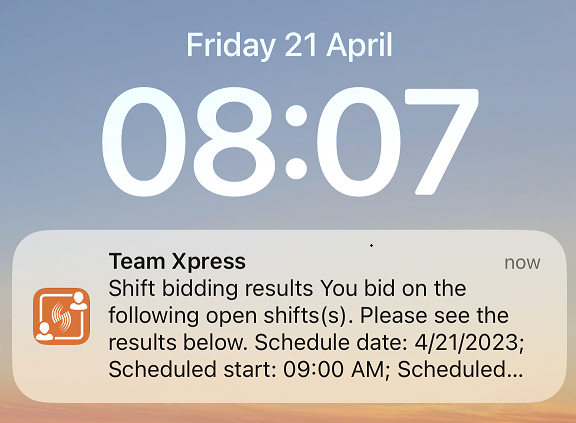
- Enable lock screen notifications for Team Xpress on the device
This ensures updates are received even when not actively using the app.
Types of Notifications
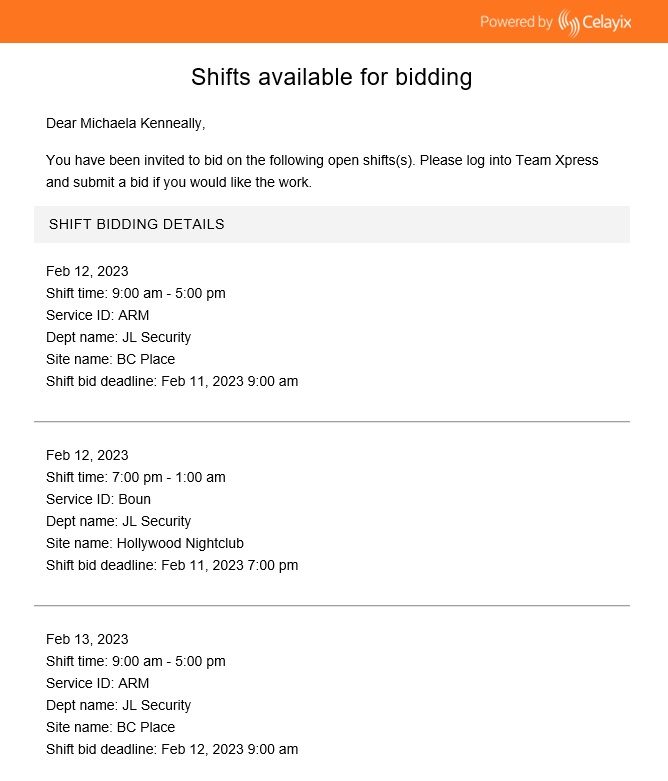
Notifications may be received for:
- New shifts available for bidding
- Updates to submitted bids
- Results of submitted bids
Notifications can appear:
- In-app
- By email
- By SMS (if enabled by the company)
Bid Result Notifications
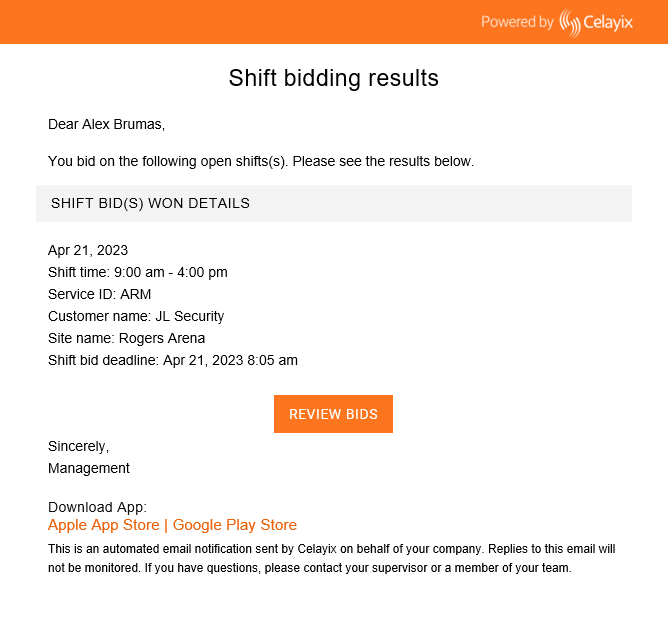
When a bid is completed, a notification will be sent with the outcome.
If a bid is successful:
- A notification will confirm the shift has been awarded
- Select Review Bids to view details in Team Xpress