Manage Codes
The Manage Codes feature in Schedule Xpress provides centralized control over all coding parameters, including references, availability types, bill cycles, and more.
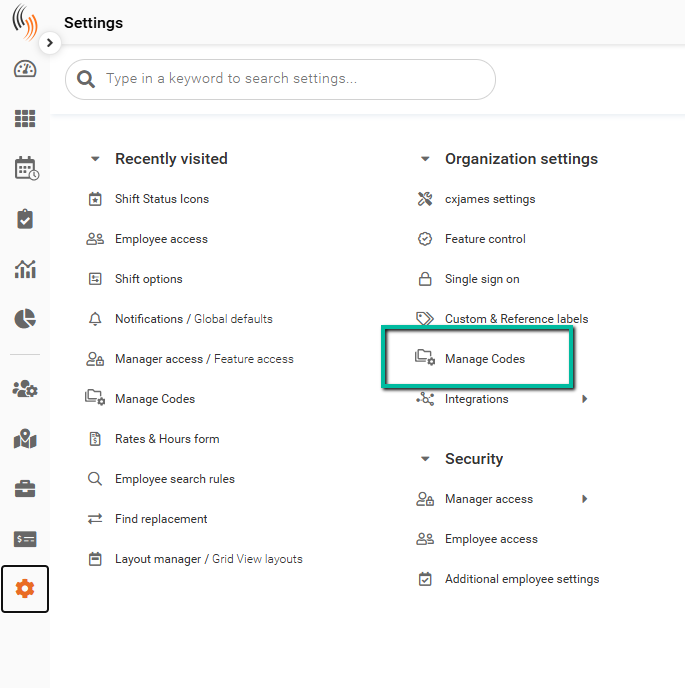
Access Manage Codes
To locate this section:
Settings → Organization settings → Manage codes
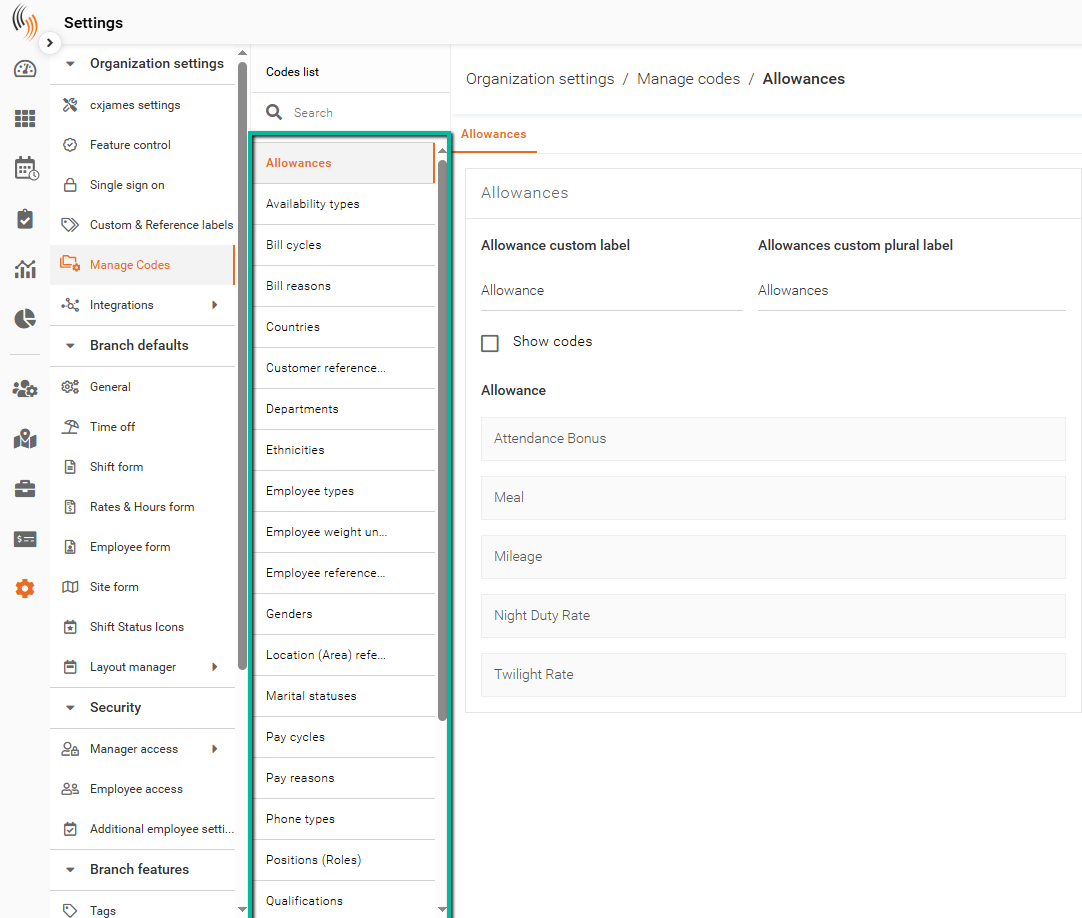
Codes List
Your codes are listed in the left sidebar. Click any code to select and edit it—the selected code will be highlighted in orange.
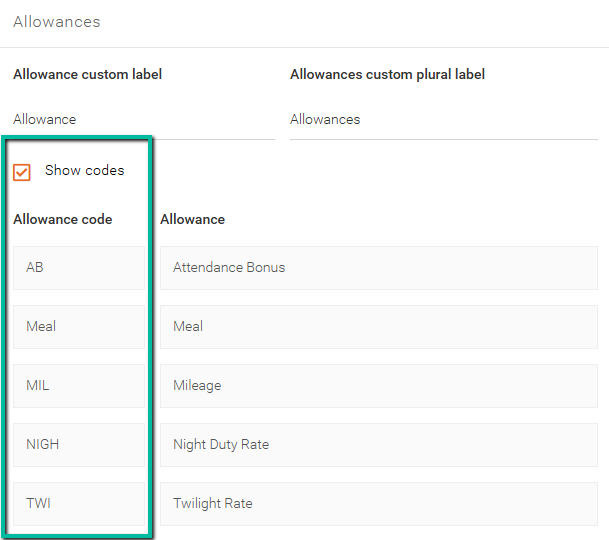
Show Codes
To view codes along with their descriptions, click Show codes.
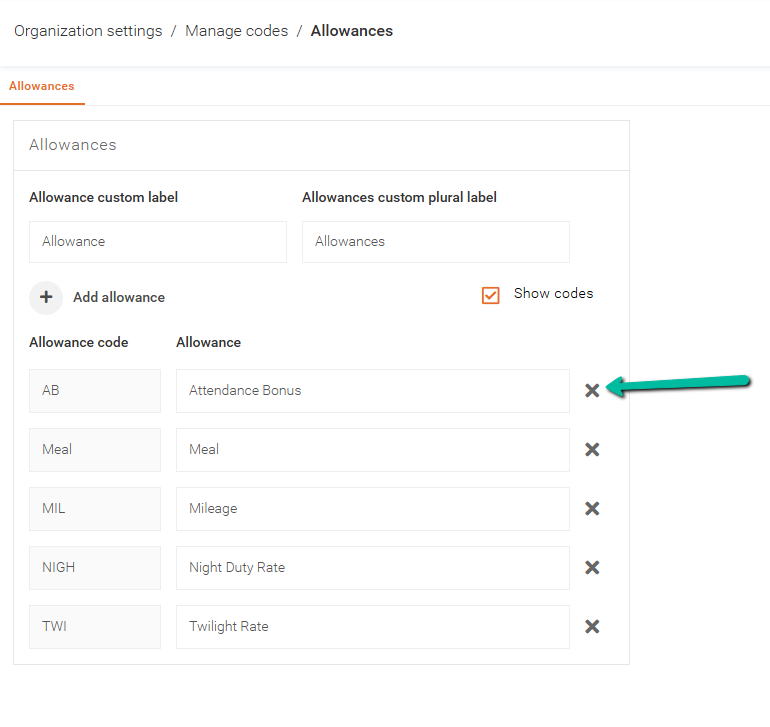
Edit, Add, or Delete Codes
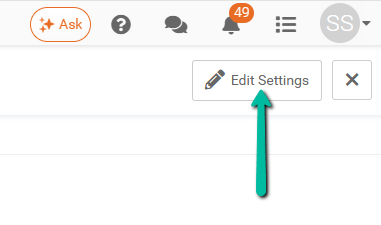
To edit, add, or delete a code, click Edit Settings in the top-right corner.
The following examples use Allowance codes.
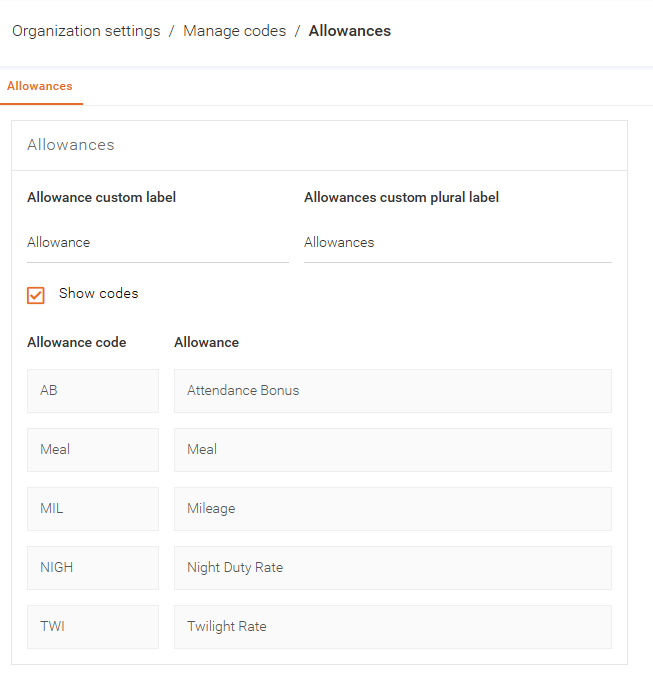
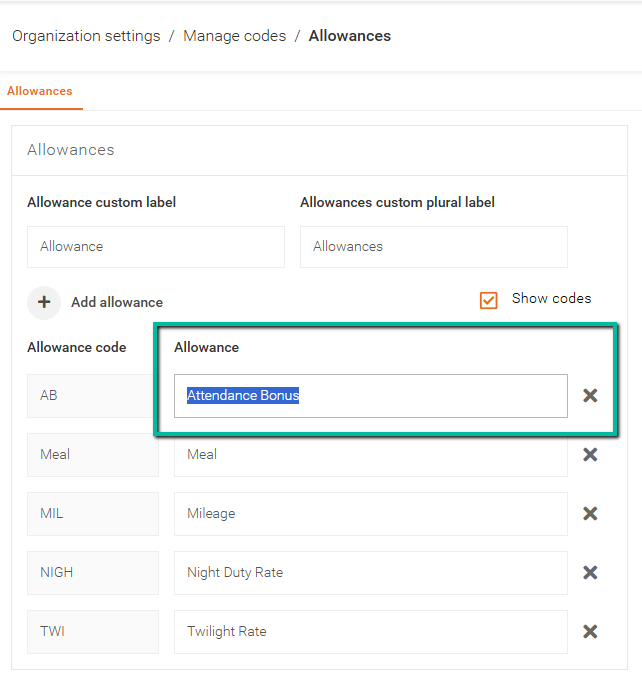
Edit a Code
To edit a code, click the code description field and enter your changes.
Note: Code descriptions can be modified after creation, but the code itself cannot be edited.
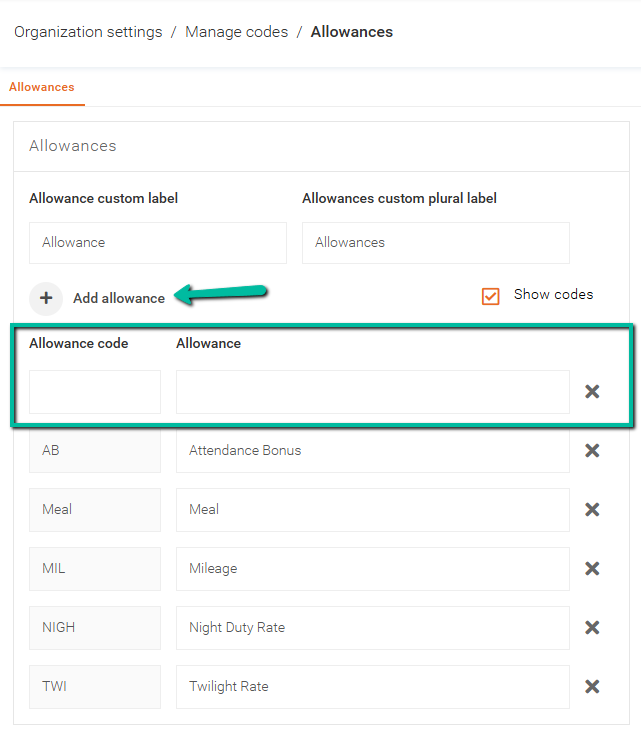
Add a Code
To add a code, click Add code name type.
Ensure that Show codes is enabled to allow code entry. Once enabled, the code and description fields will appear.
Type your code, description and click Save to complete.
Delete a Code
To delete a code, click the X to the right of the code.