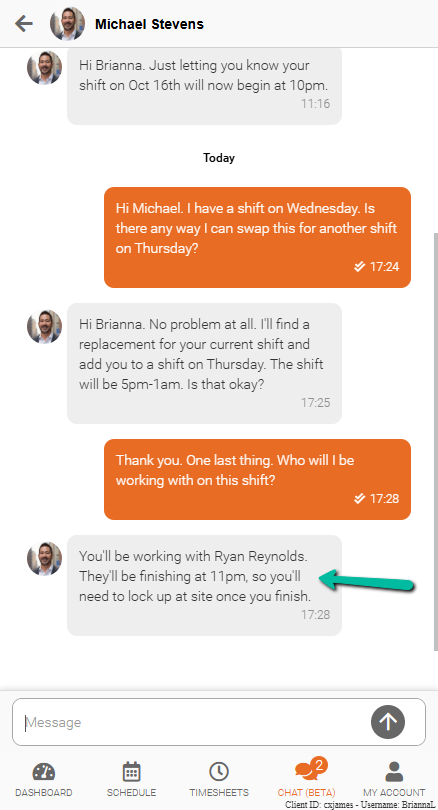
Chat with Managers
Send and receive messages with managers and team members directly within Schedule Xpress and Team Xpress.
Send and receive messages directly in the platform to stay connected.
Messaging allows communication with admins and employees without using external apps, keeping work conversations organized in one place.
Access Messages
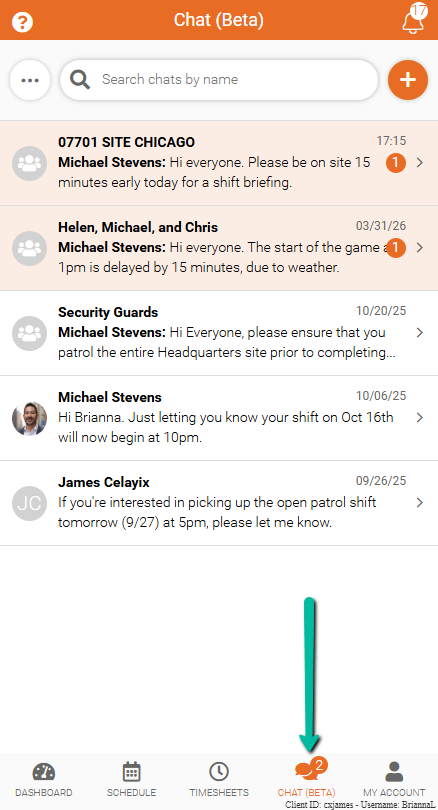
To open Messages:
- Click the Chat icon at the bottom of the screen.
Find a Contact
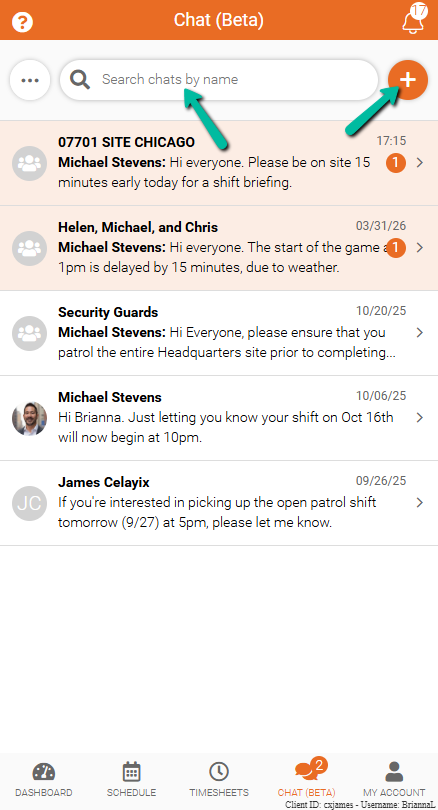
To start a conversation:
- Use the search bar to find an existing chat
- Or click the orange + sign to start a new chat with a manager
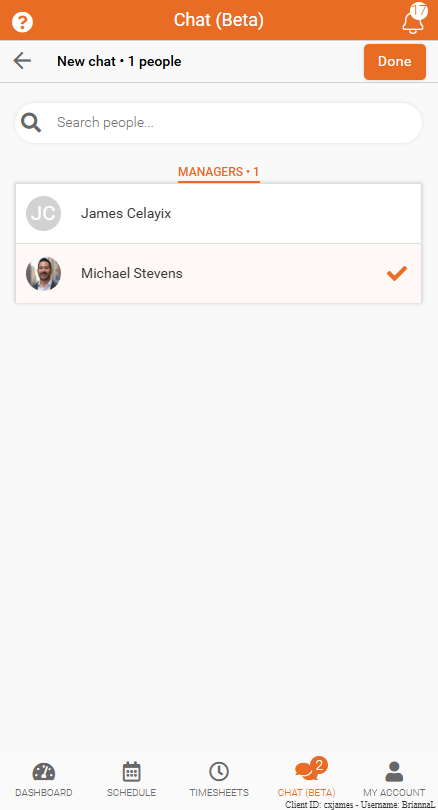
When you start a new chat, you can select a contact from your list.
After making your selection, click Done to start the chat.
Send Messages
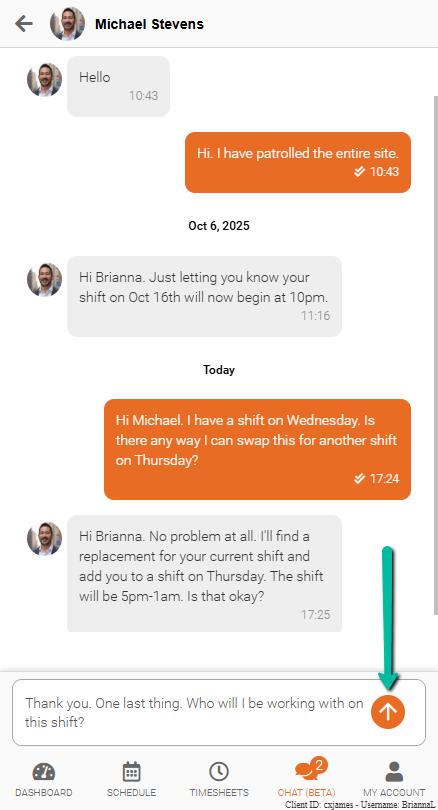
Use the chat window to send direct messages.
- Type a message in the text box at the bottom of the screen
- Tap the send arrow to send the message
Messages will appear in the conversation thread, making it easy to follow and respond.
Receive Messages in Team Xpress
Messages can also be received and replied to in Team Xpress.
This keeps communication connected between Schedule Xpress and Team Xpress, making it easier to stay informed and respond when needed.