
Enable Location Services for Geofencing
Enable Location Services on your device to allow Team Xpress to accurately detect your location for map and geofencing features.
Turn on Location Services to ensure mapping and geofencing features work correctly in Team Xpress.
Location Services use your device’s GPS to confirm your position, which is required for features like Map and check-in.
Turn On Location Services
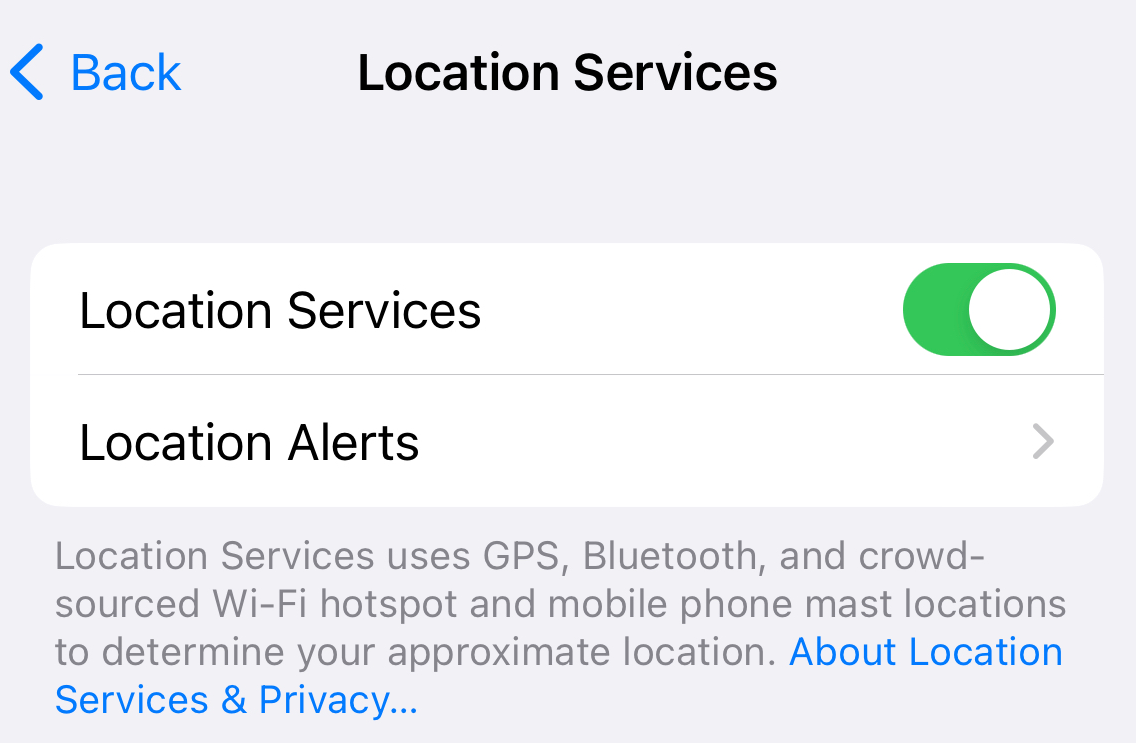
To enable Location Services on your device:
- Open your phone’s Settings
- Go to Privacy or Location
- Turn on Location Services
- Ensure Location access is enabled for Team Xpress
If you’re unsure how to enable this setting, check your device settings or contact your phone manufacturer or mobile provider for assistance.
Why Location Services Are Required
Location Services are needed for:
- Viewing your position on the Map
- Verifying you are within the geofence
- Allowing check-in at your shift location
If Location Services are turned off, these features may not work as expected.