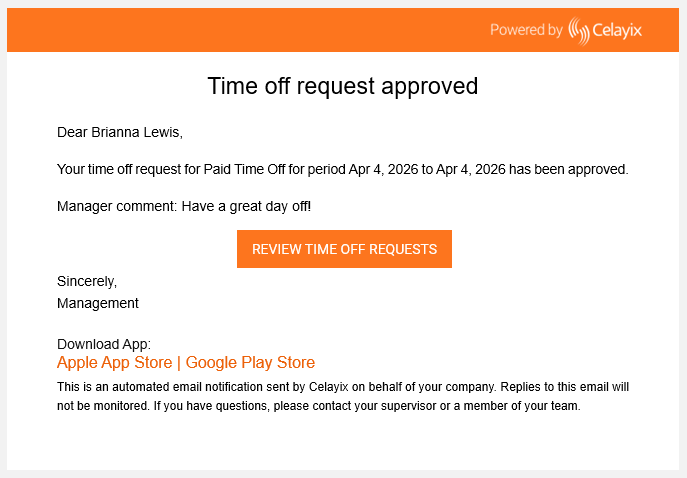
Notifications for Time Off Request Status
Receive notifications when time off request statuses change to stay informed throughout the approval process.
Stay informed about updates to time off requests throughout the approval process.
Notifications are sent when the status of a request changes, helping ensure updates are seen as soon as they happen.
View Notifications
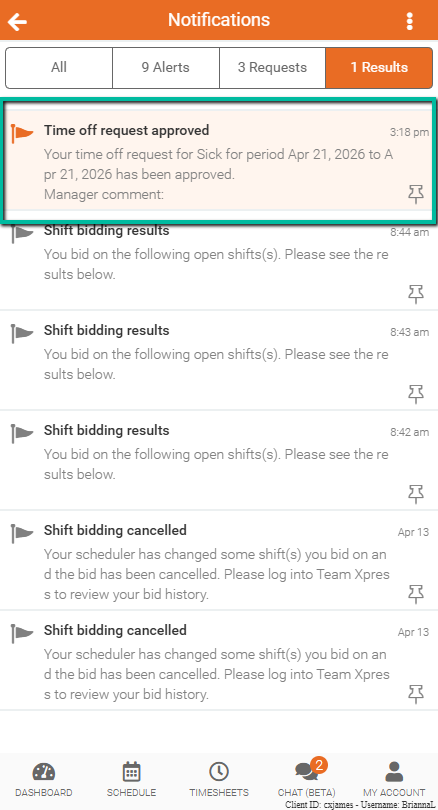
To check request updates:
- Open Team Xpress
- Go to the Notifications panel
- Review updates related to time off requests
This allows request status changes to be viewed directly in the app.
Receive Notifications Outside the App
To stay informed when not using the app:
- Enable Email notifications
- Enable SMS notifications (if available)
Note: SMS notifications are only available if enabled by the company.