How Qualifications Affect Scheduling
Effective scheduling relies on assigning qualified employees to the appropriate shifts. Schedule Xpress supports this by alerting admins when an employee does not meet the required qualifications, helping prevent compliance issues and improve scheduling accuracy.
Failed Qualifications Warnings
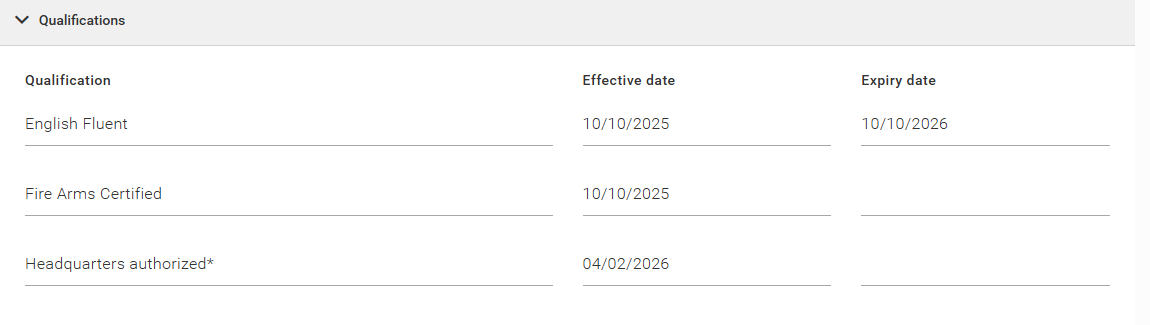
A Failed Qualifications warning appears when attempting to schedule an employee who:
- Does not have the required qualifications for a site or service
- Has a qualification with an expiry date that has passed before the scheduled shift
- Has a qualification with an effective date that occurs after the scheduled shift
Bypassing a Failed Qualifications Warning
If you choose to proceed with assigning an unqualified employee:
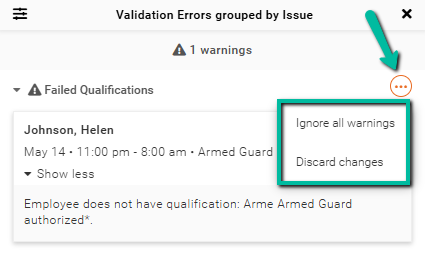
- Click the three dots on the right side of the warning
- Select Ignore warning
- Click Save to confirm
If you prefer to assign a qualified employee:
- Select Discard changes
- Assign an employee who meets the required qualifications
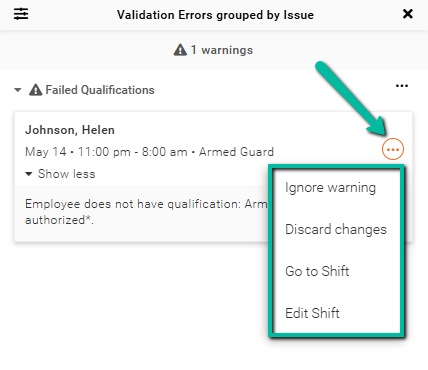
If you click the three dots at the shift level, you will also have additional options:
- Go to Shift – Opens the selected shift
- Edit Shift – Allows you to modify the shift details
Impact of Qualifications on Scheduling Features
Qualifications also affect how employees are selected in automated scheduling tools.
Features such as Autofill, Find Replacement, and Shift Bidding use Employee Search Rules to identify suitable candidates.
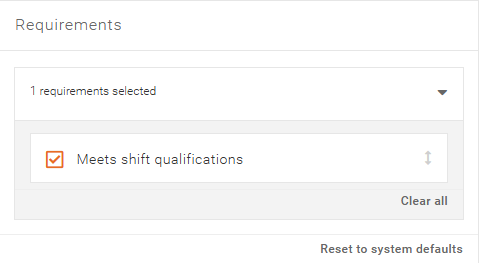
When the setting Meet Shift Qualifications is enabled:
- Employees who do not meet the required qualifications will be excluded from:
- Autofill results
- Replacement suggestions
- Shift bidding invitations