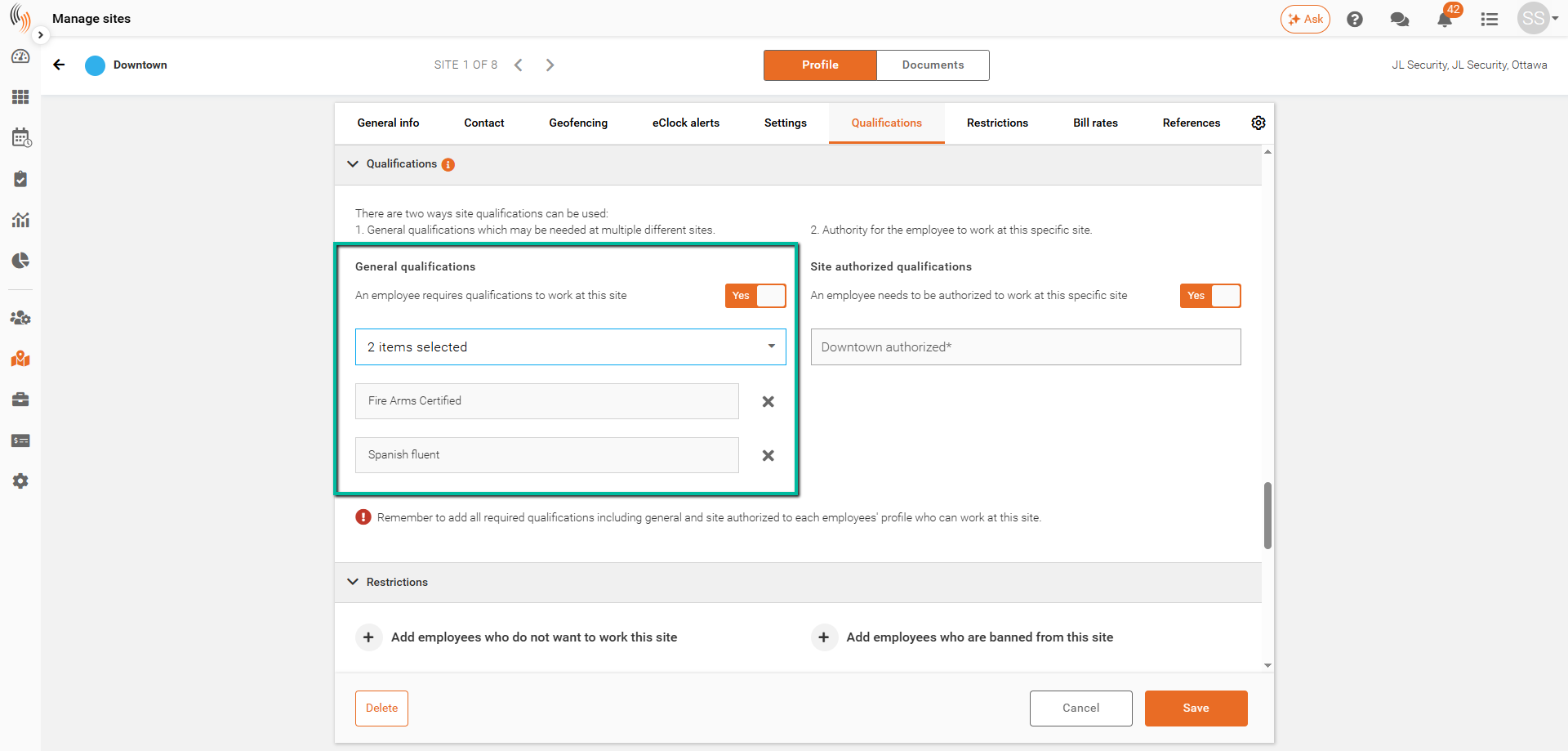
Create New Qualifications
Create qualifications to define the skills or requirements employees must have to be assigned to sites and services.
reate qualifications to define the skills, certifications, or requirements employees must have to be assigned to sites or services.
Qualifications can be created in two ways depending on your workflow.
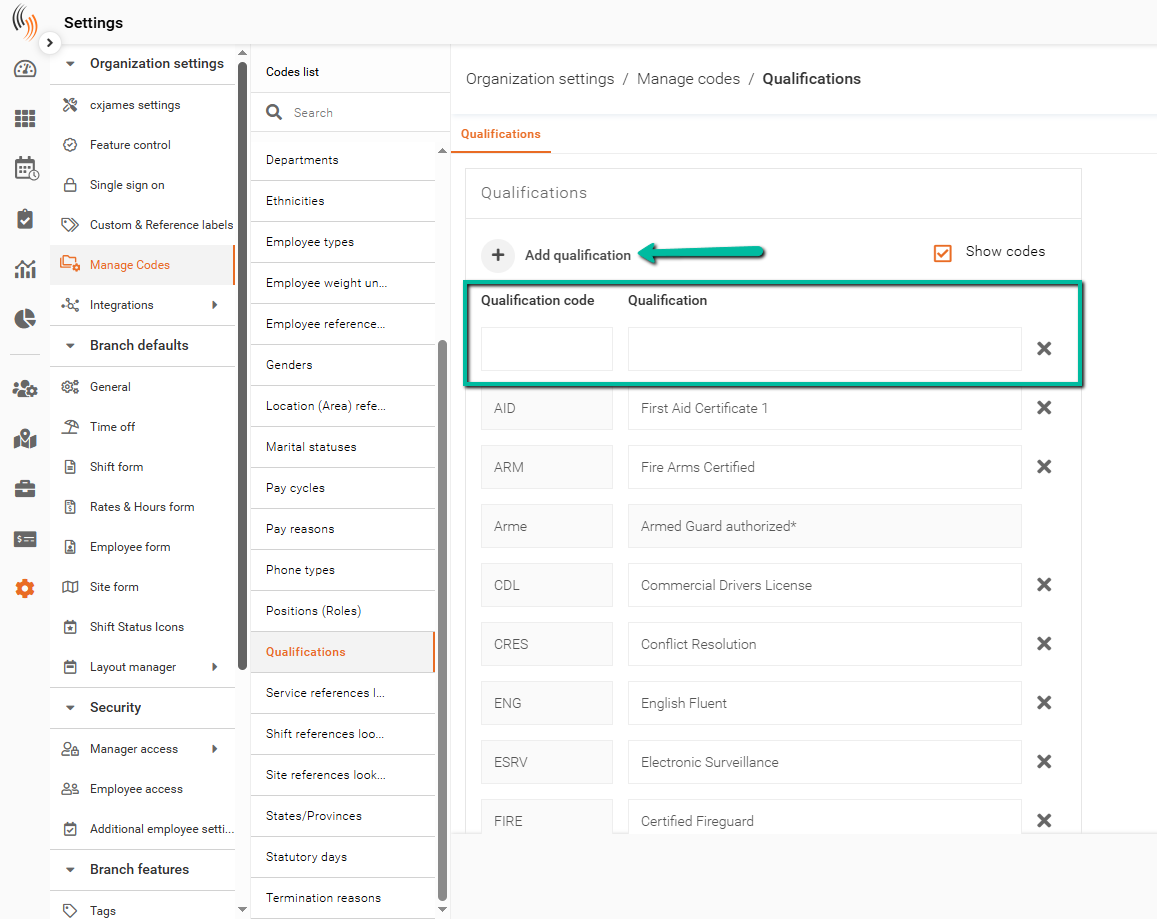
Method 1: Create Qualifications in Manage Codes
Create and manage qualifications centrally using Manage Codes.
To create a new qualification:
- Navigate to Settings → Organization settings → Manage codes
- Select Qualifications from the list
- Click Edit settings
- Click Add Qualification
- Enter the qualification name
- Click Save
- Since this is a code change, please perform a full refresh to see it take effect
Once created, this qualification will be available for selection across sites, services, and employee profiles.
Method 2: Create Qualifications at Site or Service Level
You can also create qualifications directly while assigning them to a site or service.
To create a new qualification:
- Navigate to Manage Sites or Services
- Select the site or service
- Click Edit
- Go to the Qualifications section
- Enable General qualifications
- In the dropdown, type the name of the new qualification
- Click Create New
- Click Save
The qualification will be created and immediately applied.